Install the mobile app
The Vinitor mobile app is the tool for daily work in the vineyard. With it, employees can view tasks, track working time, record GPS data and file reports — right on site.
Download & installation
Section titled “Download & installation”The app is available free of charge for iOS and Android:
- Open Vinitor in the App Store or search the App Store for “Vinitor”.
- Tap GET and wait until the installation is complete.
Or scan the QR code:

- Open Vinitor in the Google Play Store or search the Play Store for “Vinitor”.
- Tap Install and wait until the installation is complete.
Or scan the QR code:

Signing in
Section titled “Signing in”After installation, open the app and sign in with your Vinitor login details:
- Enter your username in the format
benutzername@firmenkennung(e.g.anna.huber@weingut-sonnental). - Enter your password.
- Tap Sign in.
After signing in, the app automatically syncs all your business’s data — vineyards, tasks and team data are available immediately.
The app at a glance
Section titled “The app at a glance”The app is divided into five areas, which you reach via the navigation bar at the bottom of the screen:
Profile
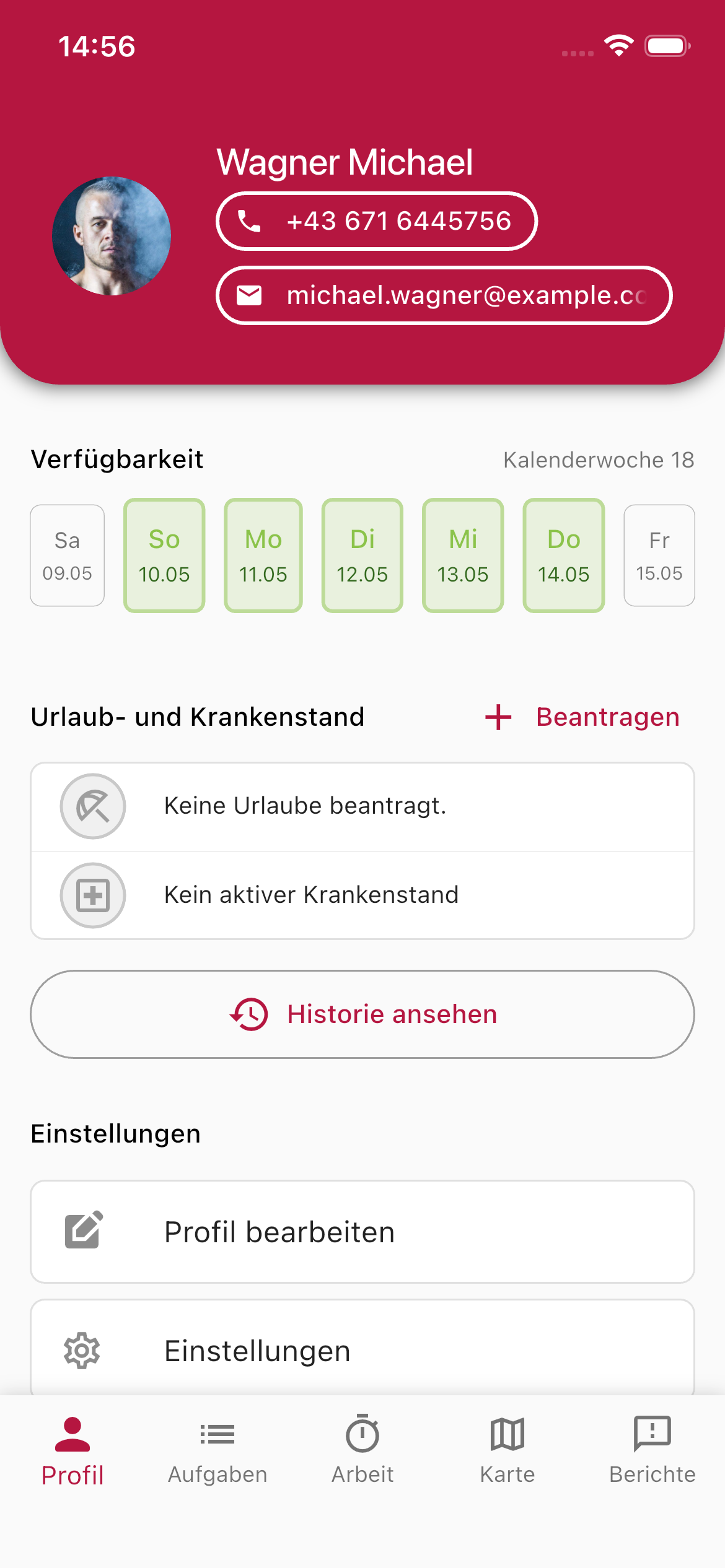
Section titled “Profile”In the Profile area, you can see your personal details and your availability for the current week, and request leave or sick leave.
- Availability — Shows your working days for the current calendar week. Days marked in green mean you’re available.
- Annual leave & sick leave — Request leave directly from the app or check your current status.
- Settings — Adjust your profile and app settings.
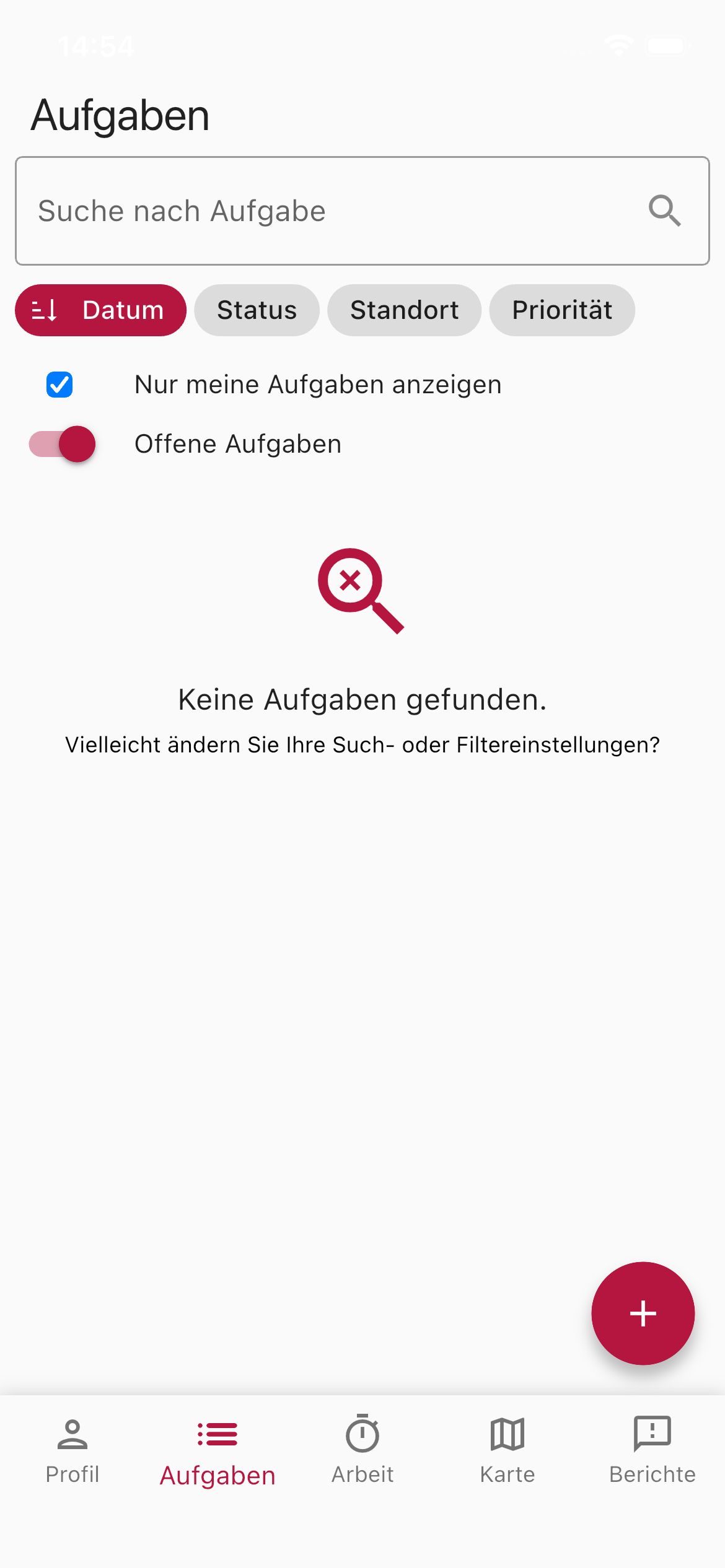
Here you see your business’s tasks. You can filter, search and group tasks, and update their status.
- Search — Quickly find tasks using the search field.
- Grouping — Group the list by date, status, location, priority or campaign. When grouping by campaign, every campaign forms its own section, named after the task type — and, where two campaigns share the same type, additionally by calendar week.
- Show only my tasks — Shows only the tasks assigned to you personally. Employees start with this filter on; business management and administrators see all of the business’s tasks by default.
- Open tasks — Hides tasks that are already complete.
To create a new task, tap the red + button in the bottom right. When creating it you also set the priority straight away — all six levels from No Priority to Very High Priority are available.
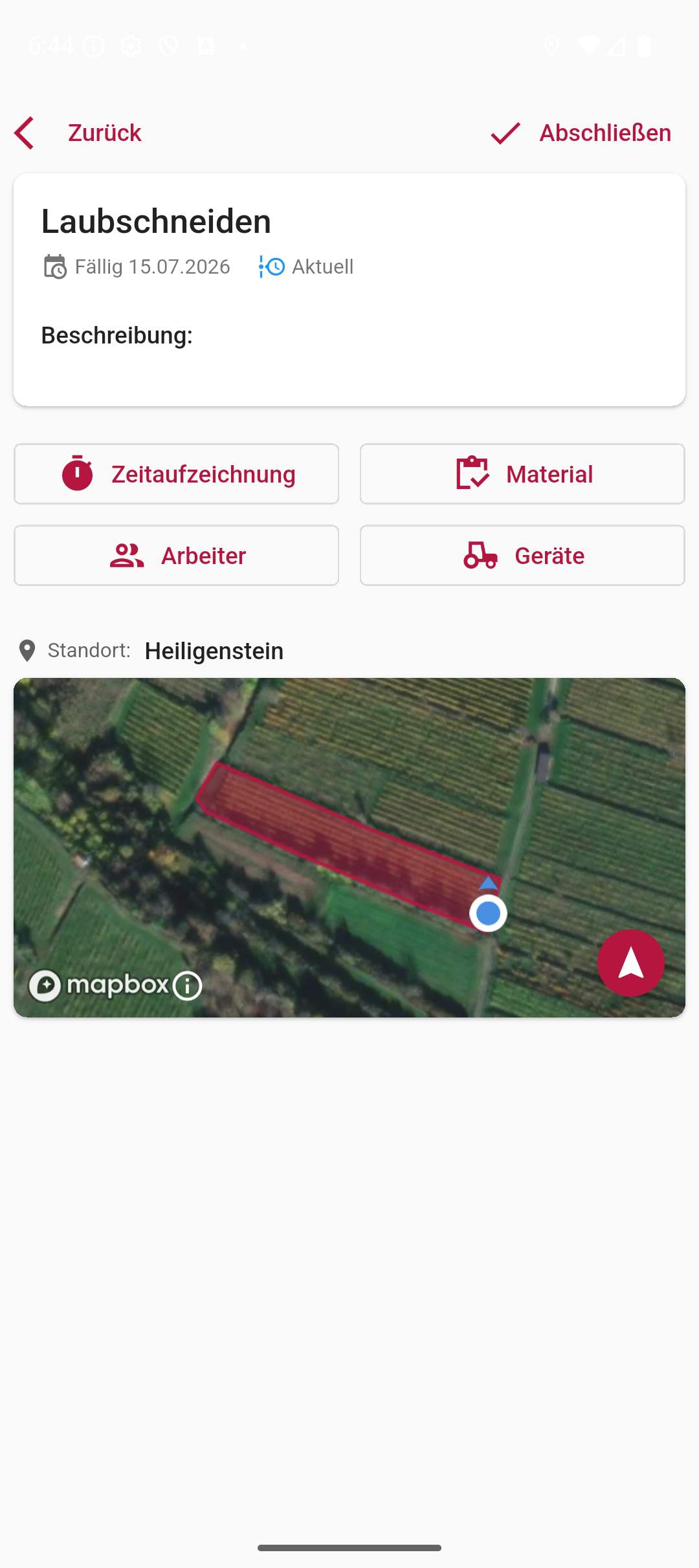
Tap a task to open its details — including time tracking, materials, the workers and equipment involved, and its location on the map. The detail view also shows the associated campaign with its progress (e.g. 3 of 12 open), and lets you change the task’s priority directly.
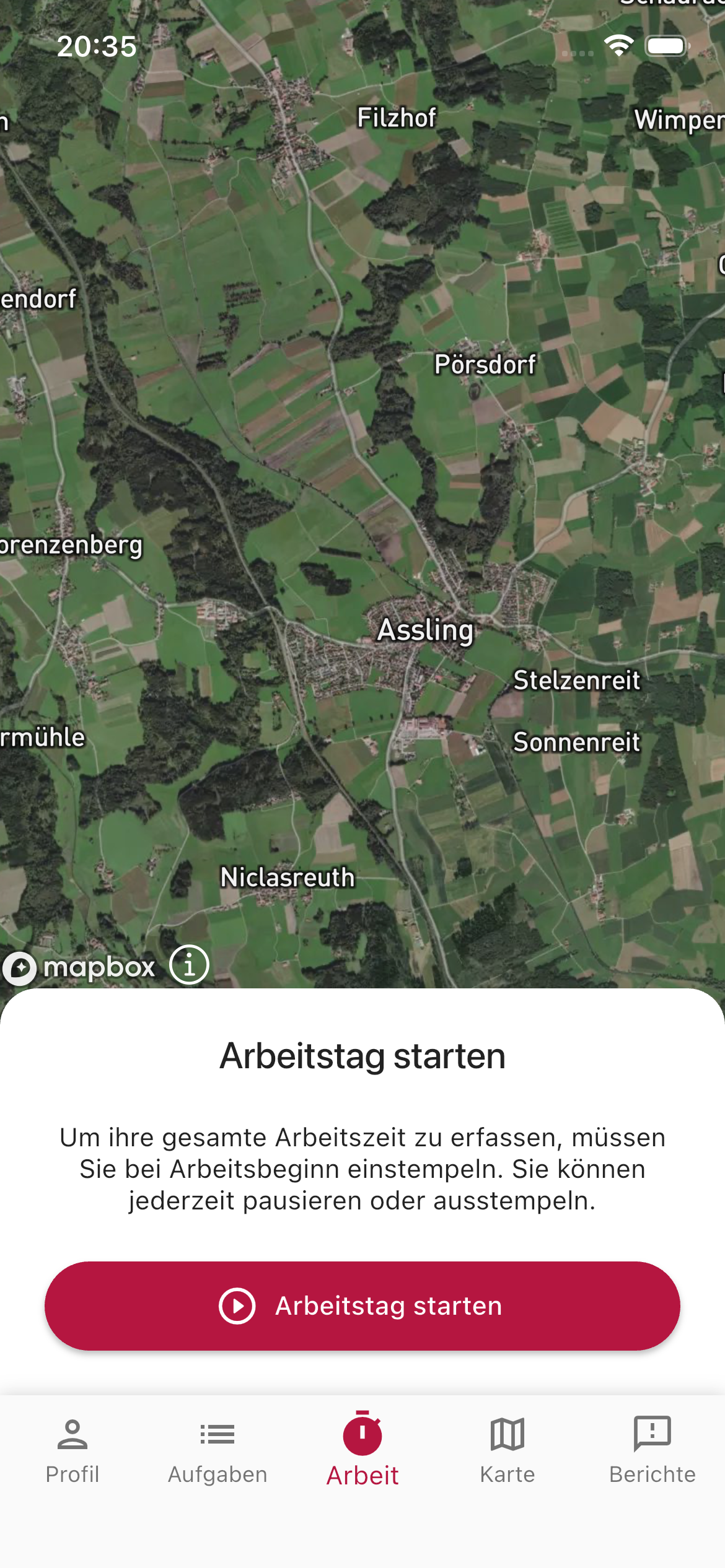
The Work area is the heart of the app for daily fieldwork:
- Start GPS tracking — Records your path through the vineyards while you work.
- Track working time — Start and stop time tracking with a single tap.
- Current task — See your current task and mark it as complete.
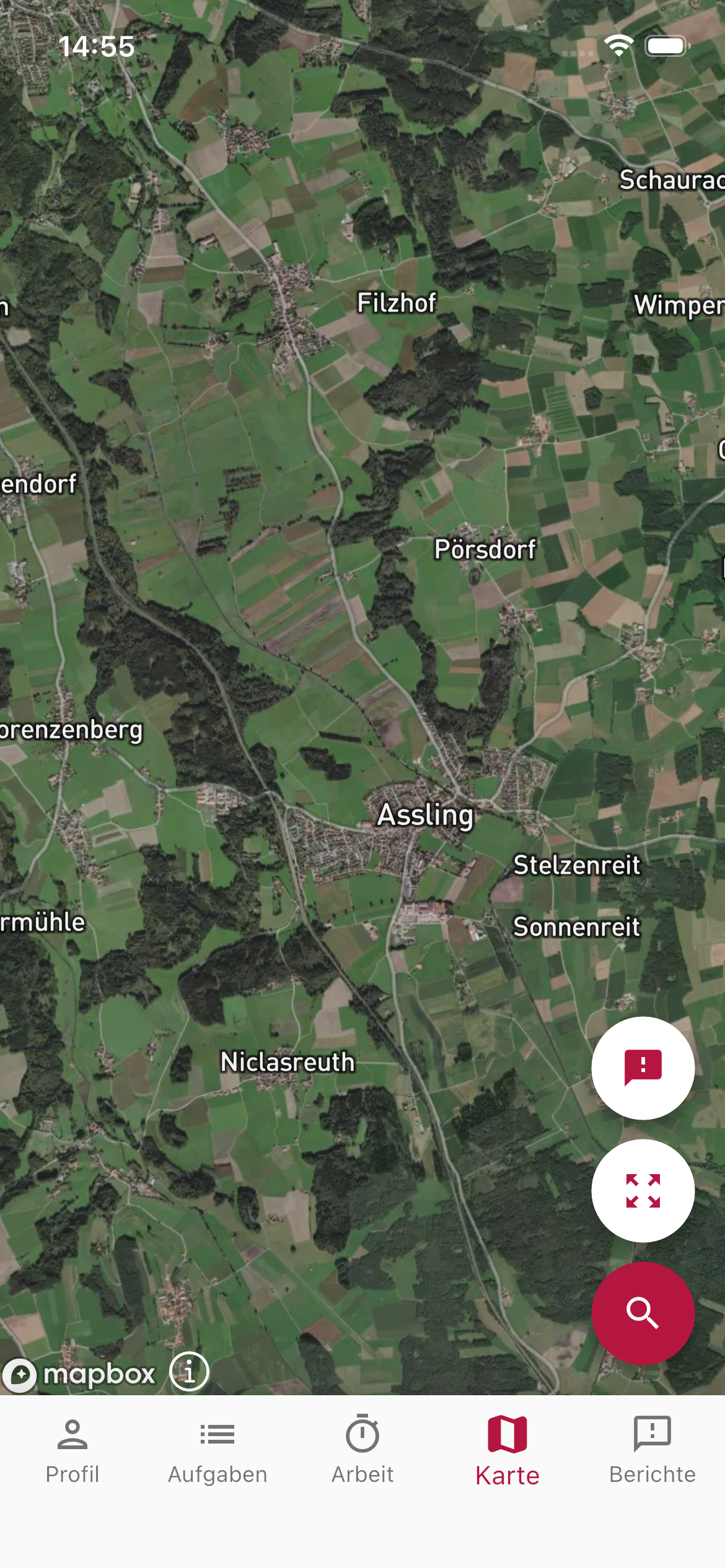
The map view shows all your business’s vineyards on a satellite map. You can:
- Tap vineyards on the map to see details.
- Display your own location.
- Zoom into areas to make out individual parcels.
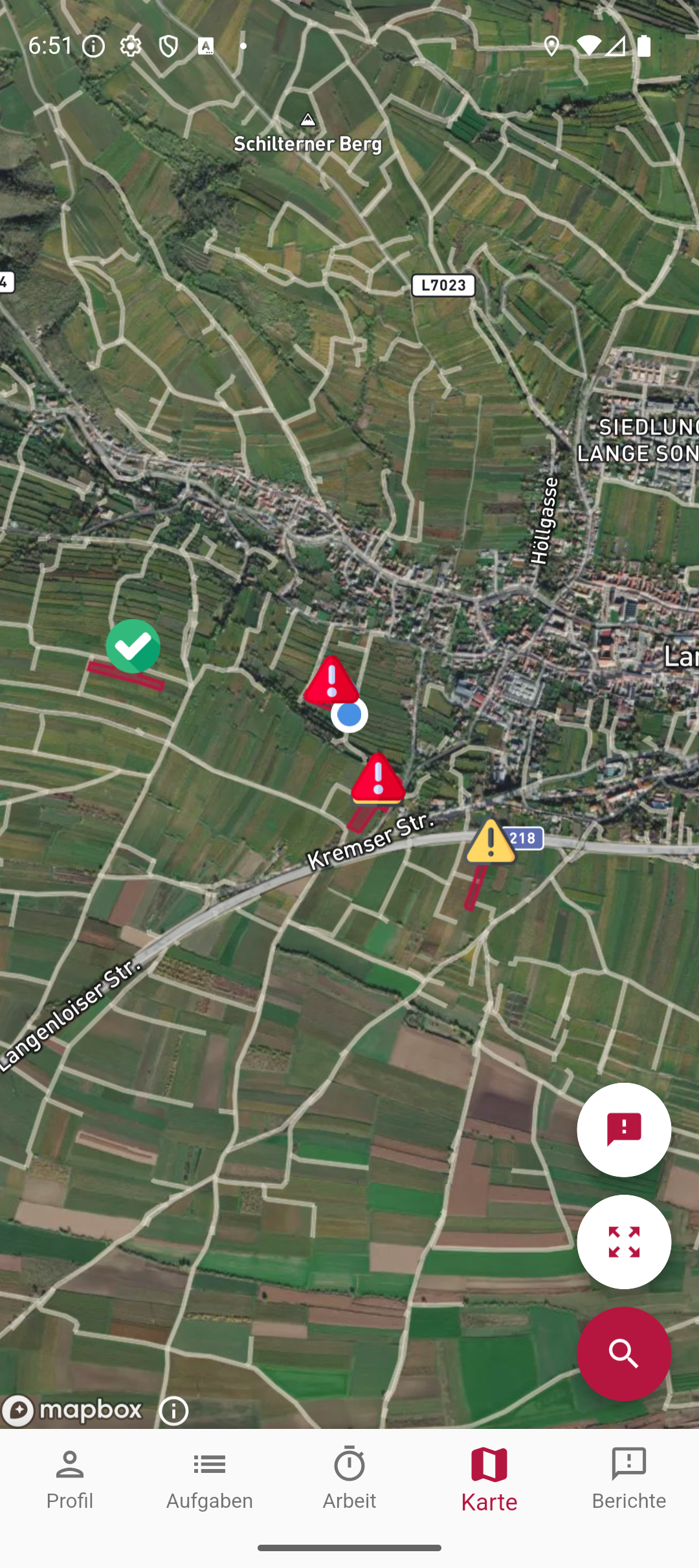
Using the reports button on the map, you can also display your business’s reports as markers — colour-coded by status.
Reports
Section titled “Reports”In the Reports area, you file reports directly from the field — for example for damage, disease or notable observations:
- Create a report — Describe the problem, add a photo, and the GPS location is captured automatically.
- View reports — See all your business’s previous reports.
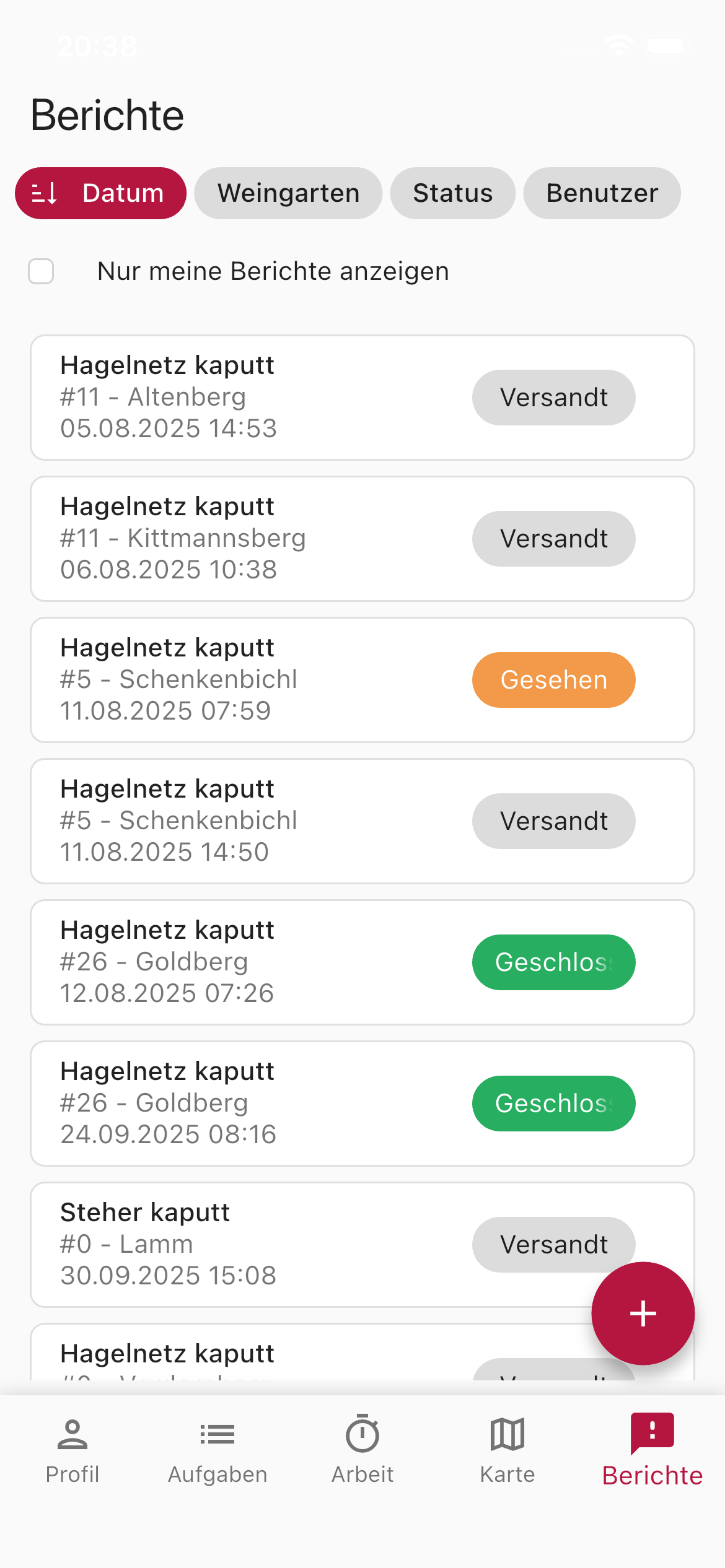
Reports are synced with the dashboard immediately, so the business manager can view and respond to them right away.
Languages
Section titled “Languages”The app supports 16 languages and automatically adapts to your device’s language setting — there is no separate language setting inside the app. This means seasonal workers who don’t speak German can also use the app in their own language.
Available are: German, English, Czech, Hungarian, Polish, Romanian, Slovak, Slovenian, Croatian, Serbian, Bulgarian, Ukrainian, Italian, French, Spanish and Portuguese.
If the device language is none of the 16, the app displays English. Date and number formats also follow the language that is set.
Offline capability
Section titled “Offline capability”The app stores data locally on your device. If you’re working in an area without mobile signal, your entries are saved and synced automatically as soon as a connection is available again.
Next steps
Section titled “Next steps”Once you’ve installed the app and signed in, your business is fully set up! Explore the rest of the documentation:
SUPPORT
Need help?
Our team is happy to help with any questions about Vinitor.