
Initial setup
After registering, you can set up your business in just a few steps. We recommend the following order:
1. Create vineyards
Section titled “1. Create vineyards”The most important step: get your vineyards into the system. You have two options for this:
If you already have your vineyard data in digital form (e.g. as a GIS shapefile from eAMA, FIONA or LEA), you can upload it via import:
- Navigate to Field record book in the sidebar.
- Click Import in the top right.
- Select an import source and upload your ZIP file.
- Follow the three-step wizard: Upload → Conflicts → Complete.
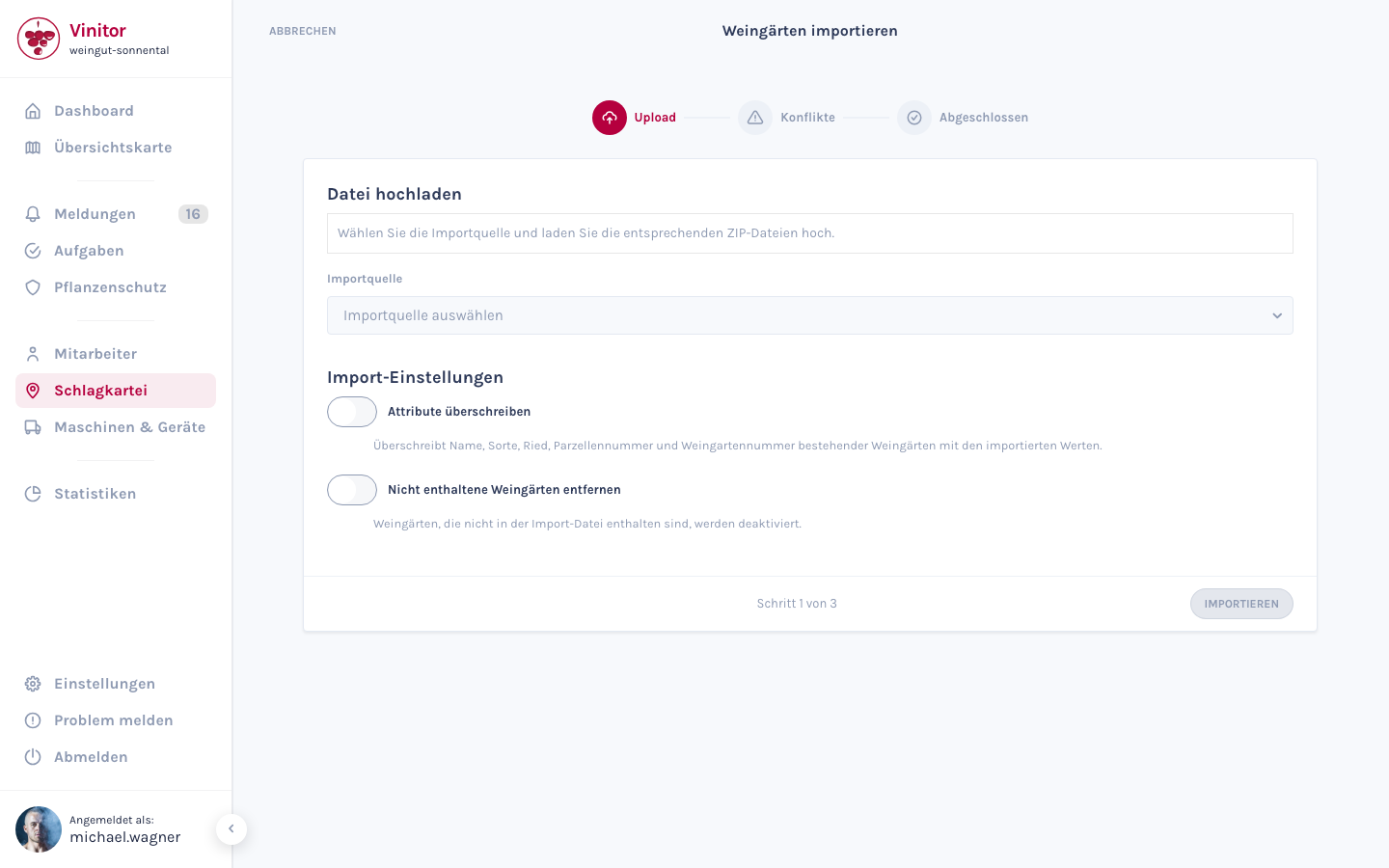
For detailed information about importing, see Import vineyards.
You can also create vineyards individually by hand:
- Navigate to Field record book in the sidebar.
- Click Create in the top right.
- Fill in the fields: name, grape variety, vine area, Ried, etc.
- Optional: draw the area directly on the map.
For detailed information, see Create a vineyard.
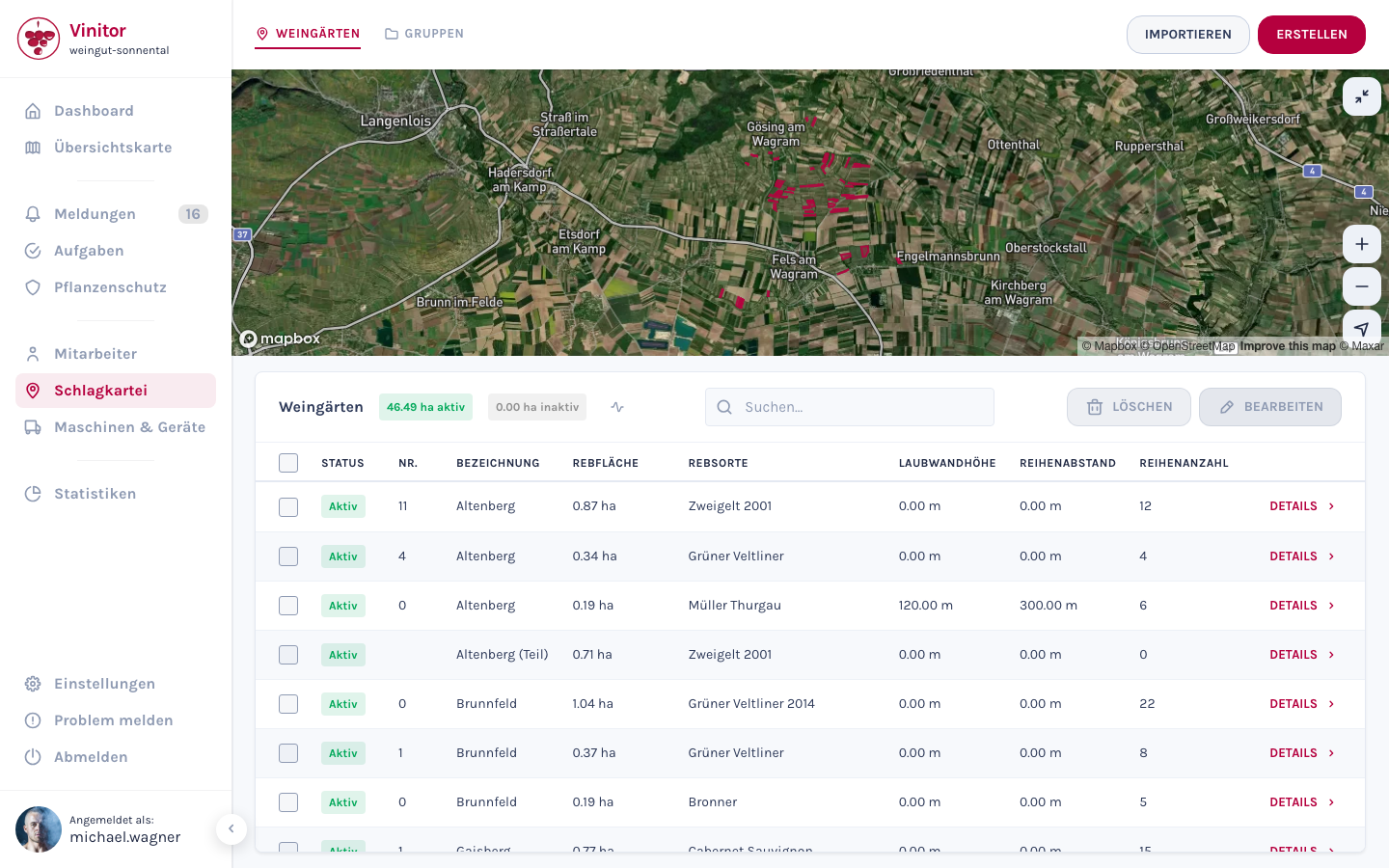
Once created, you’ll see your vineyards in the field record book — including map, grape varieties and area data:
2. Invite employees
Section titled “2. Invite employees”Create user accounts for your employees so they can access the dashboard or the mobile app.
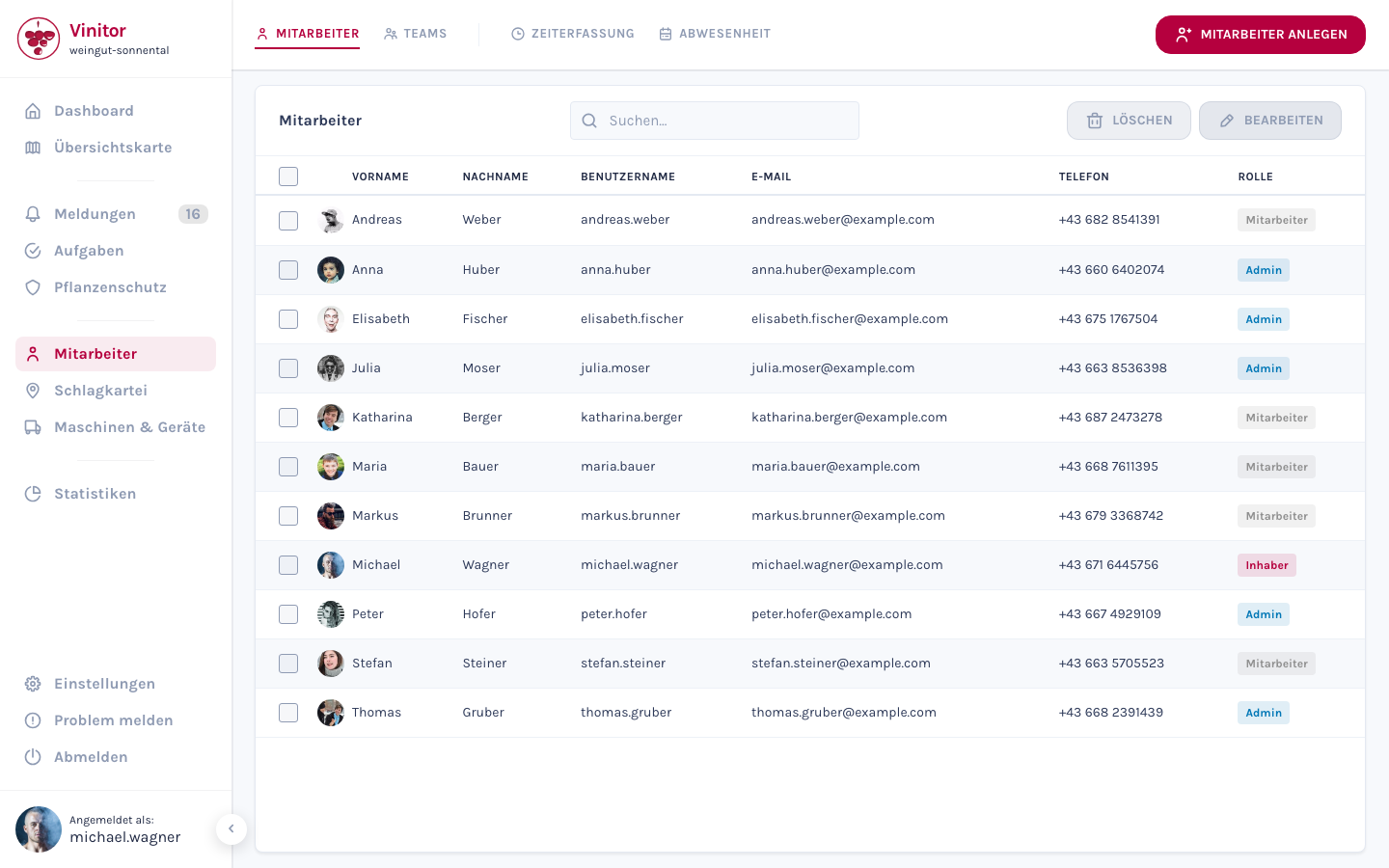
- Navigate to Employees in the sidebar.
- Click Create employee in the top right.
- Enter first name, last name, email address and phone number.
- Assign a role (Admin, Employee, etc.) — this determines which areas the user can see and edit.
- Share their login details with your employees so they can sign in to the mobile app.
Learn more about roles and permissions under Roles & permissions.
3. Configure task types
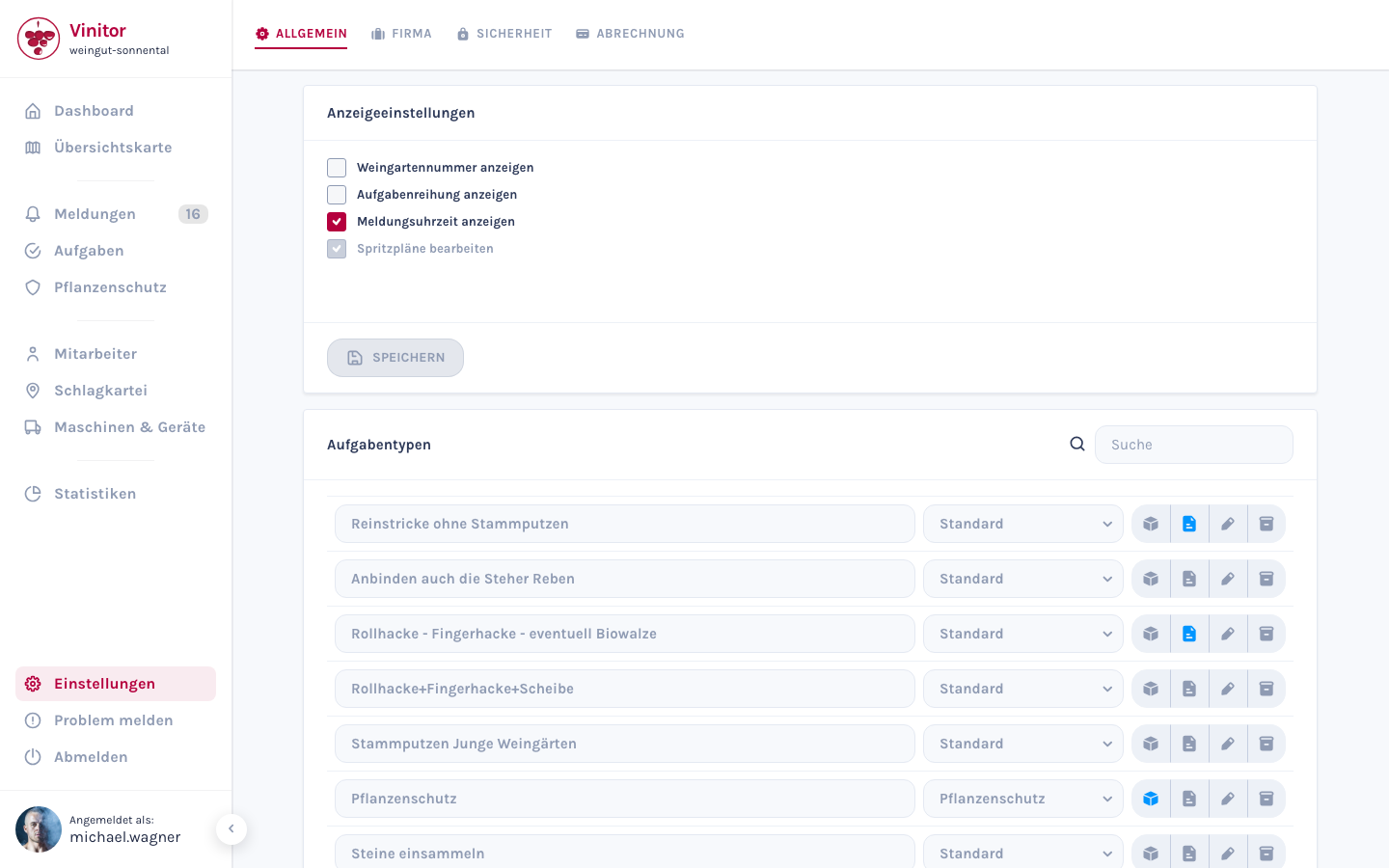
Section titled “3. Configure task types”Vinitor ships with 47 standard task types (e.g. pruning, plant protection, leaf removal, thinning). You can adapt these to your business:
- Navigate to Settings → General tab.
- Scroll to the Task types section.
- Here you can rename existing types, create new types or remove types you don’t need.
For detailed information, see Configuring task types.
Next step
Section titled “Next step”Your business is now ready to go! As a final step, you should install the mobile app on your employees’ devices so they can work on tasks out in the field.
SUPPORT
Need help?
Our team is happy to help with any questions about Vinitor.