
Build tank mixes
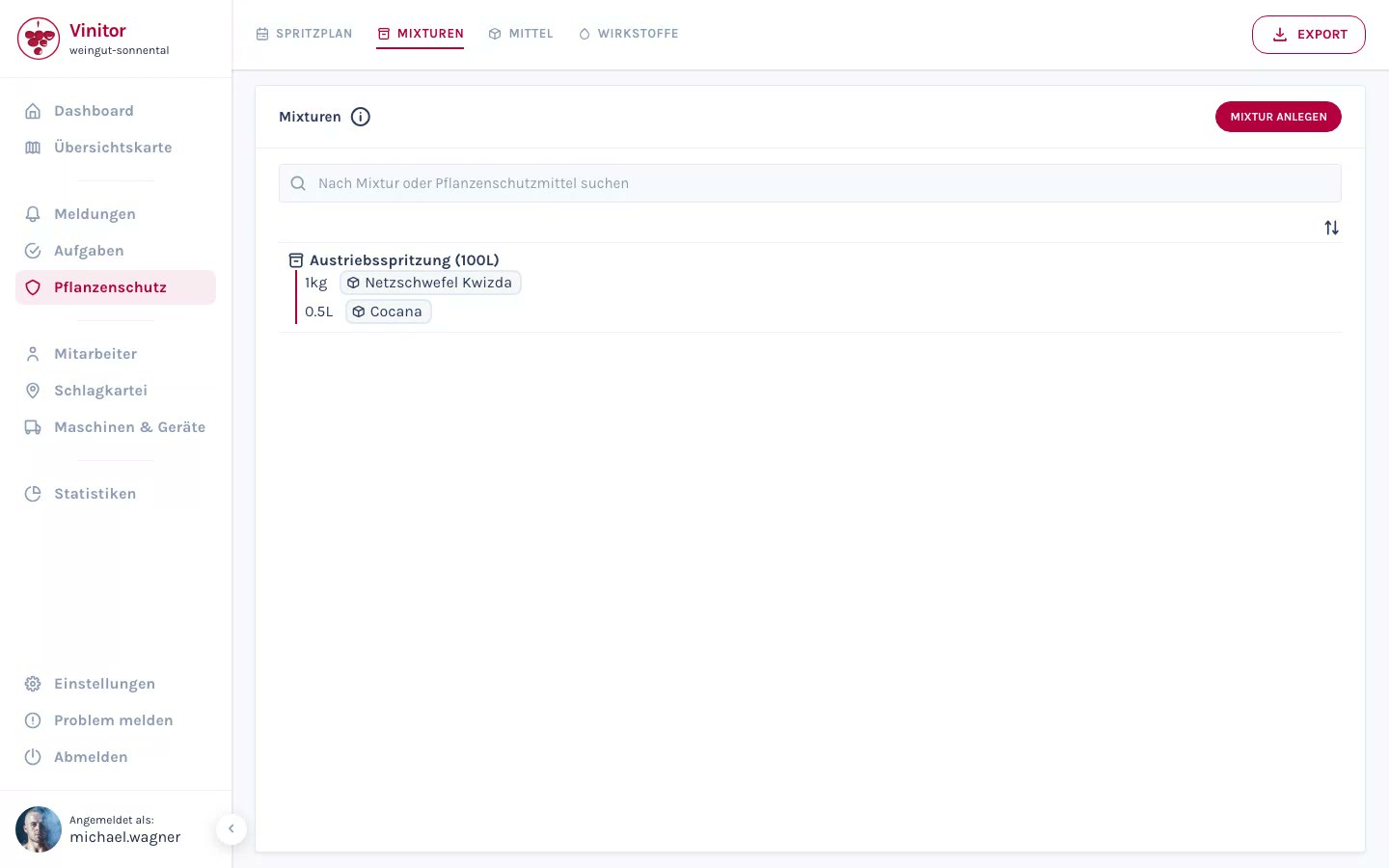
A tank mix is a reusable spray recipe that combines several plant protection products with fixed dosages. Tank mixes are selected when creating spray plans.
Create a tank mix
Section titled “Create a tank mix”Click Create tank mix to create a new recipe.
-
Enter the basic data
Enter the name of the tank mix, the dilution in litres (the reference quantity for dosing), the grape stage interval (from/to), and optionally notes.
-
Add plant protection product
In the Configuration area, add the plant protection products you need. For each product, enter the quantity and the unit (e.g. litres, kilograms).
-
Save
Click Save. The tank mix is now available for selection when creating spray plans.
Edit a tank mix
Section titled “Edit a tank mix”Click a tank mix in the overview to open the detail view.
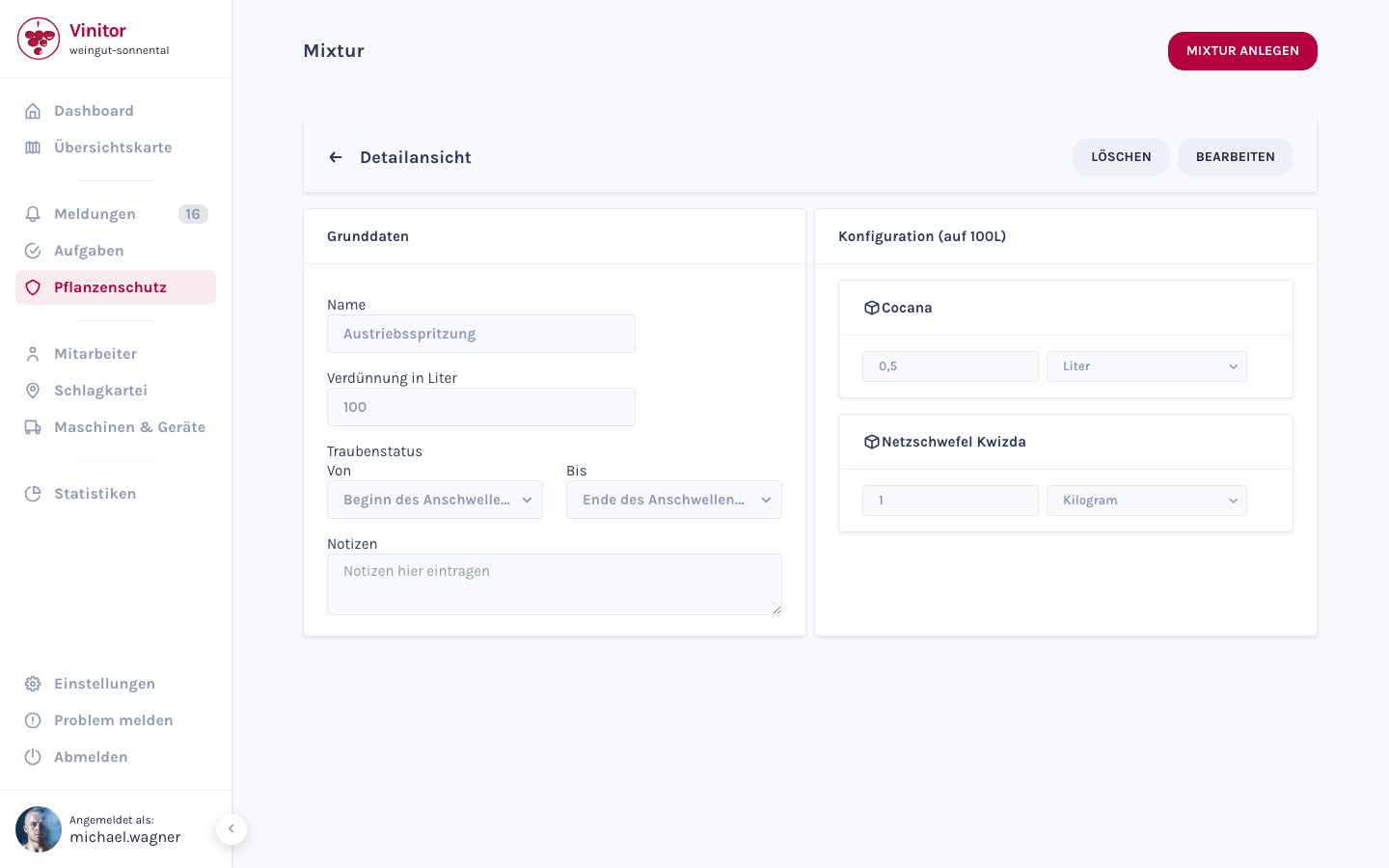
Use Edit to adjust the tank mix — change the basic data, or add or remove plant protection products. Use Delete to remove the tank mix.
Result
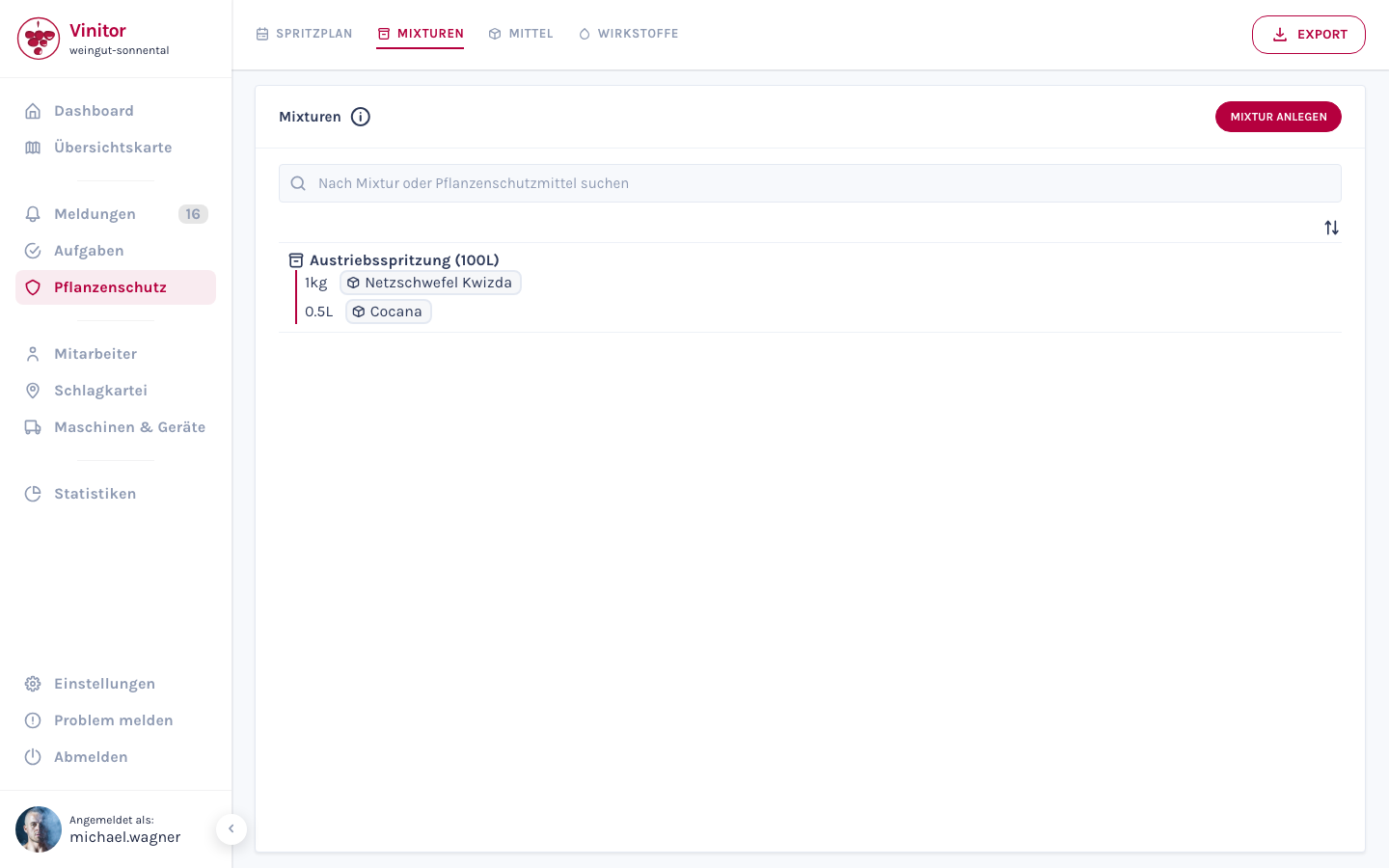
Section titled “Result”The tank mix you created appears in the tank mix overview and is available for selection when creating spray plans. Each entry shows the name with the dilution amount, along with the plant protection products it contains and their dosages.
Next steps
Section titled “Next steps”Related documentation
Section titled “Related documentation”SUPPORT
Need help?
Our team is happy to help with any questions about Vinitor.