
Create an account
Registration
Section titled “Registration”To use Vinitor, you need an account. Registration is free and takes just a few minutes.
-
Open the registration page
Open the registration page to create a new account:
Register now →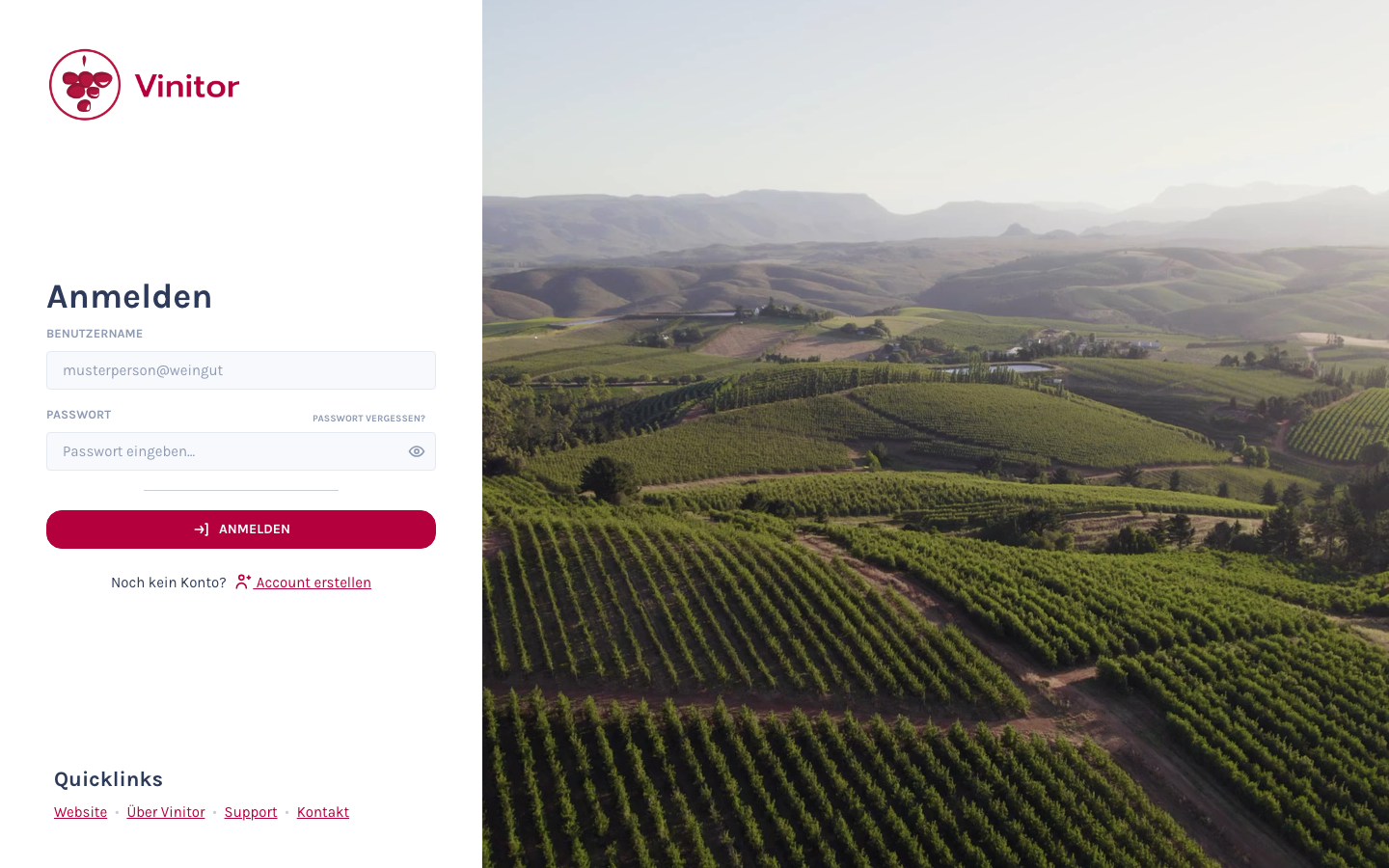
-
Enter your account details
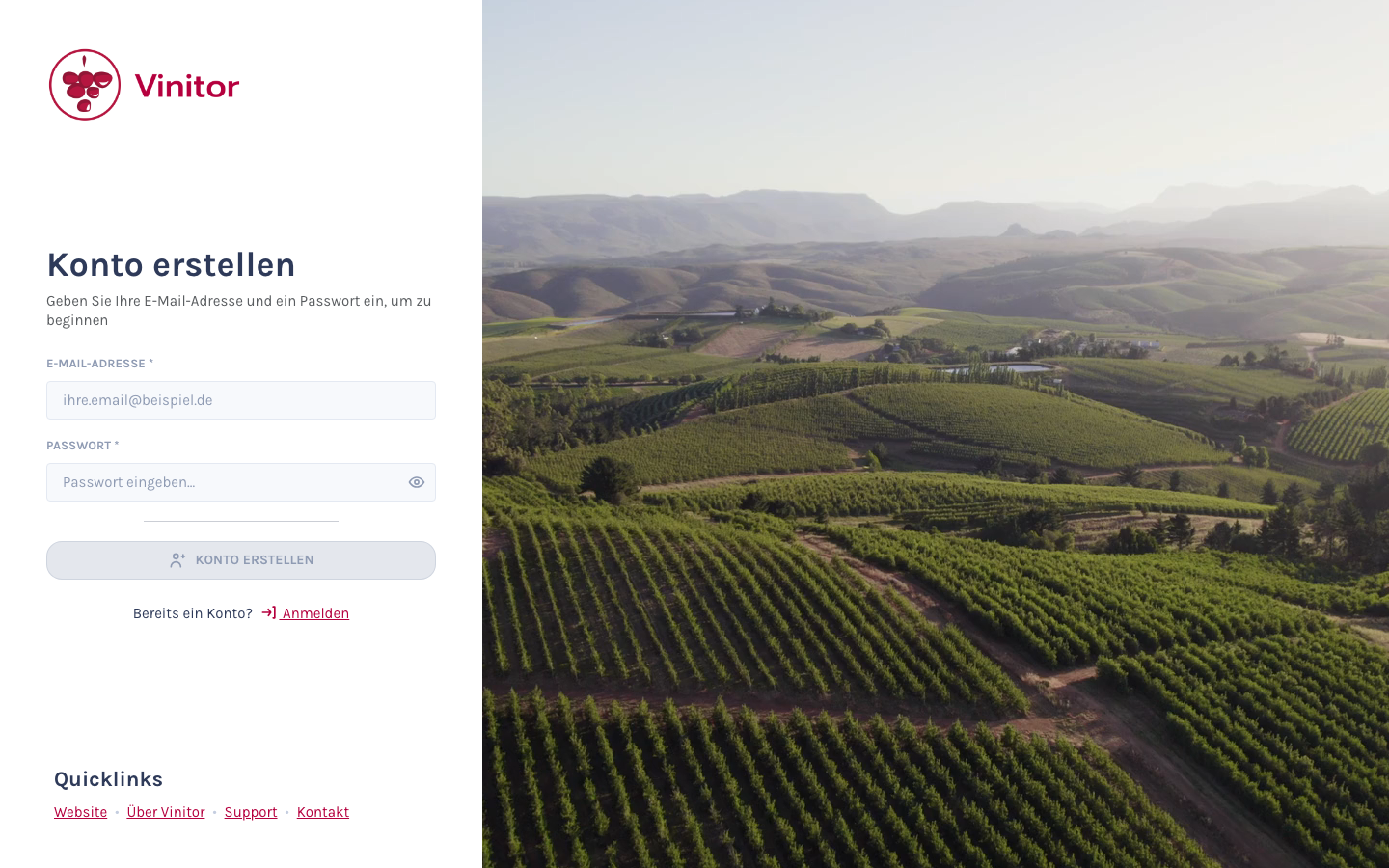
Fill in the registration form:
- Email address — Your business email address.
- Password — Choose a secure password. An indicator rates the strength of your entry.
Then click Create account.
-
Verify your confirmation email
After registering, you’ll receive an email with a confirmation link. Click the link to verify your email address. Only this link opens the setup of your business.
-
Set up your business
After verification, a wizard guides you through the setup:
Step Content Business Business name, business identifier and, optionally, the holding number Address Location of your business via the address search User details First name, last name and your username Vine areas Your vine area in hectares Features Overview of the included modules and the legal consent -
Start your trial
Once registration is complete, a 7-day trial starts automatically, during which all modules are unlocked. Once it ends, your account switches to the free plan — all paid modules are deactivated. You can take out a subscription at any time to unlock the modules again.
You’ll be redirected to the dashboard and can start with setup right away.
Signing in
Section titled “Signing in”Sign in at dashboard.vinitor.app. In the USERNAME OR EMAIL field you can use either:
| Entry | Example |
|---|---|
| Login identifier | mmustermann@weingutsonnental |
| Email address | [email protected] |
Both lead to the same account. Upper and lower case do not matter.
Forgotten your password?
Section titled “Forgotten your password?”If you’ve forgotten your password:
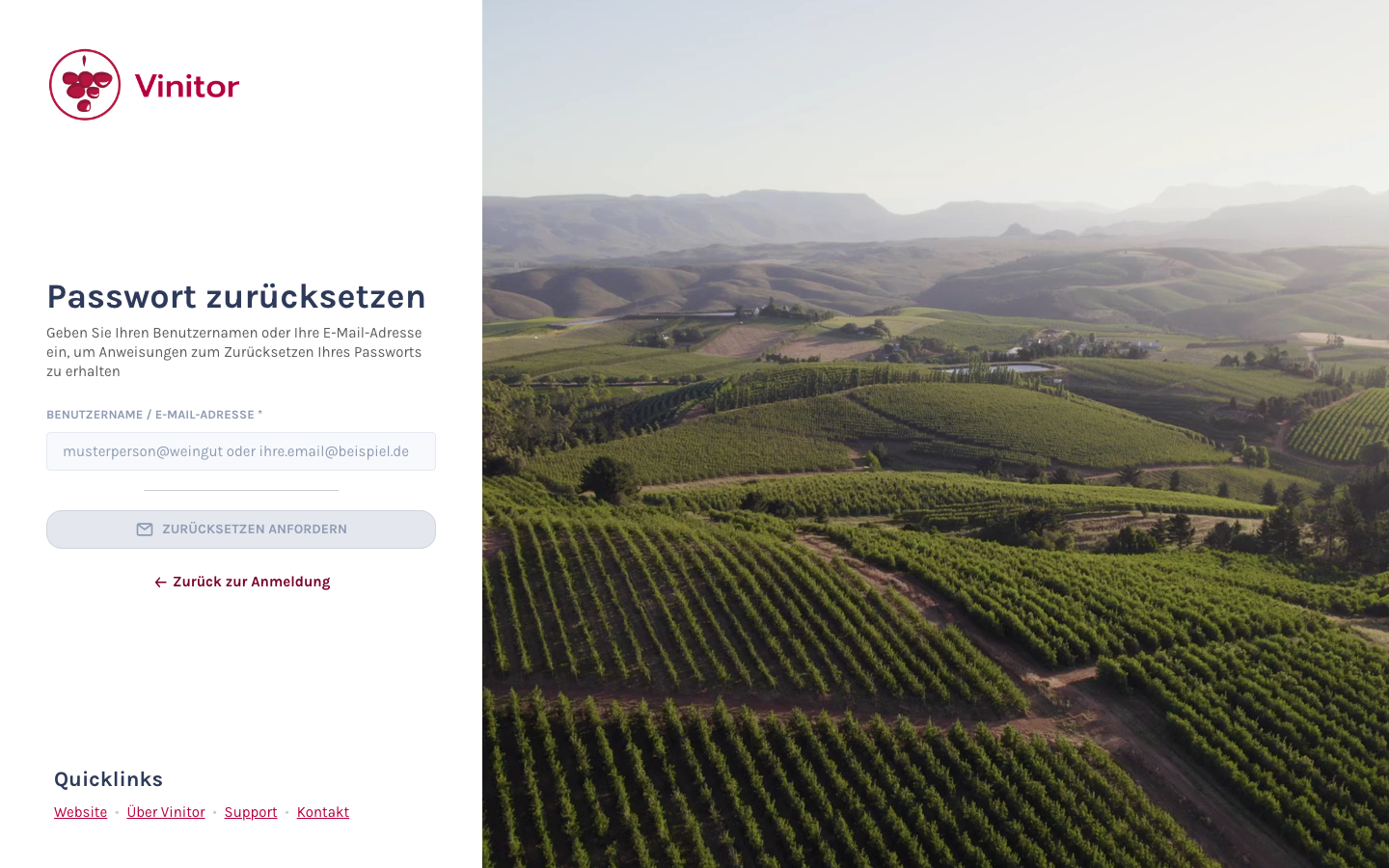
- Click Forgot your password? on the sign-in page.
- Enter your username (
benutzername@firmenkennung) or your email address. - You’ll receive an email with a link to reset your password.
SUPPORT
Need help?
Our team is happy to help with any questions about Vinitor.