After months of development, Vinitor enters its first beta. Instead of a single tool, we are shipping two applications at once that together map out everyday work in viticulture: a dashboard for planning in the office and a mobile app for work in the field. Both draw on the same data — tasks, employees, vineyards, reports.
This note documents unusually thoroughly what was available at the beta launch. Later entries in the history each describe only the changes — the launch here is the foundation on which everything else builds.
Dashboard — an overview of the business
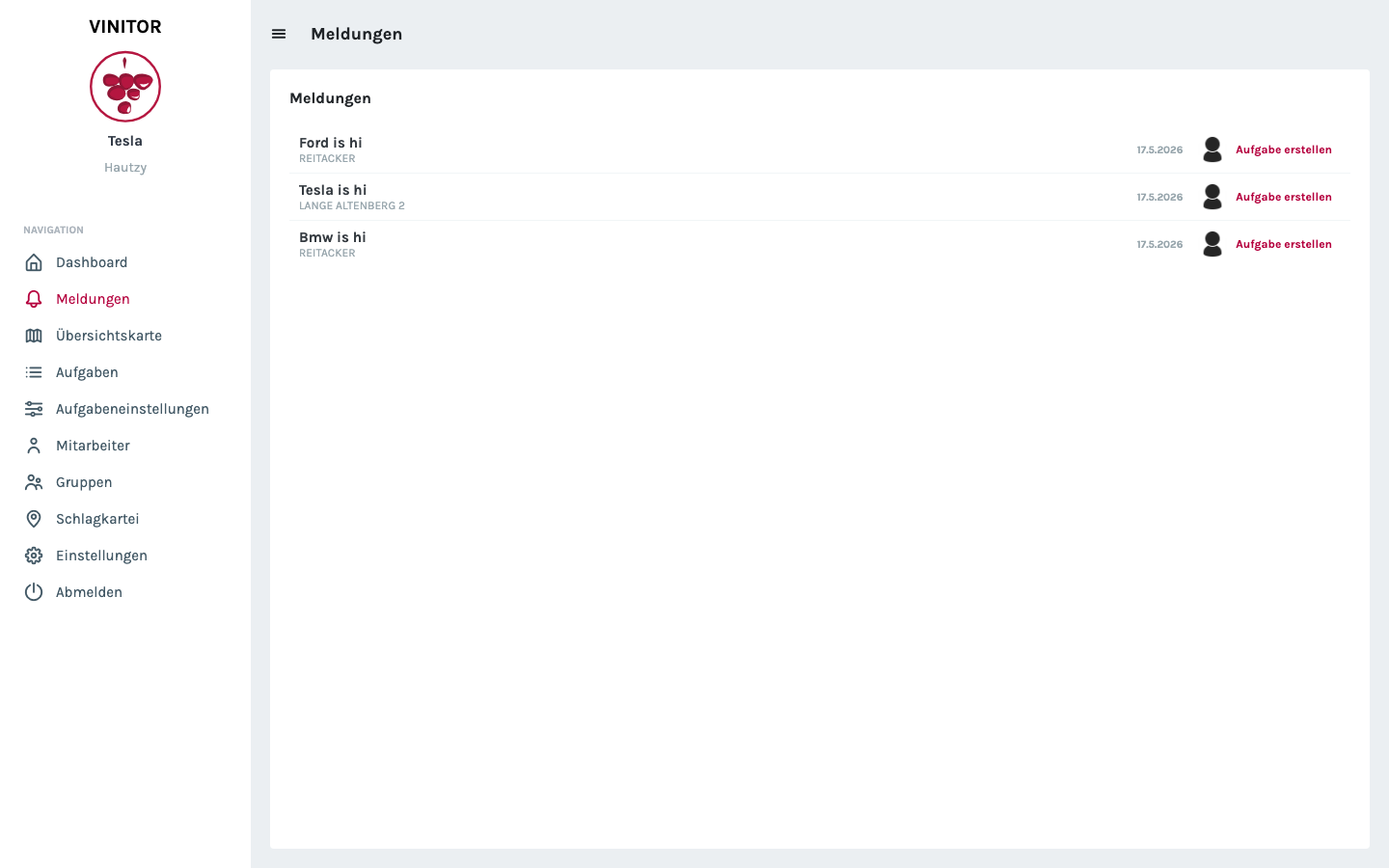
The dashboard is the entry point for business managers and foremen. Right after logging in, the three areas that change every day appear: current reports from the field, active tasks for the day and a list of the employees available today.
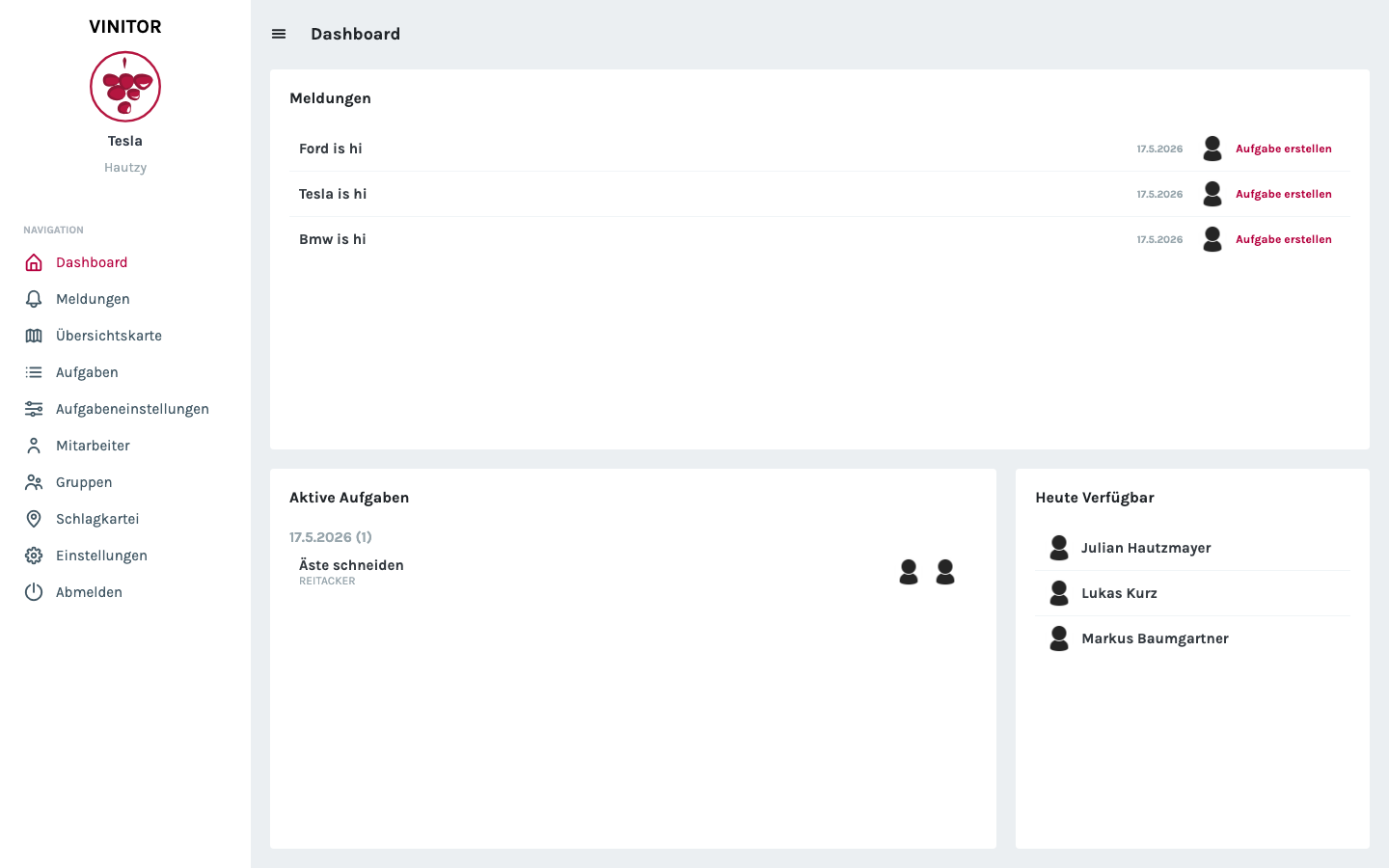
The left sidebar holds all the main areas: reports, overview map, tasks, task settings, employees, groups, field record book and settings. Each of these areas has its own overview page with sorting and filtering.
Task management
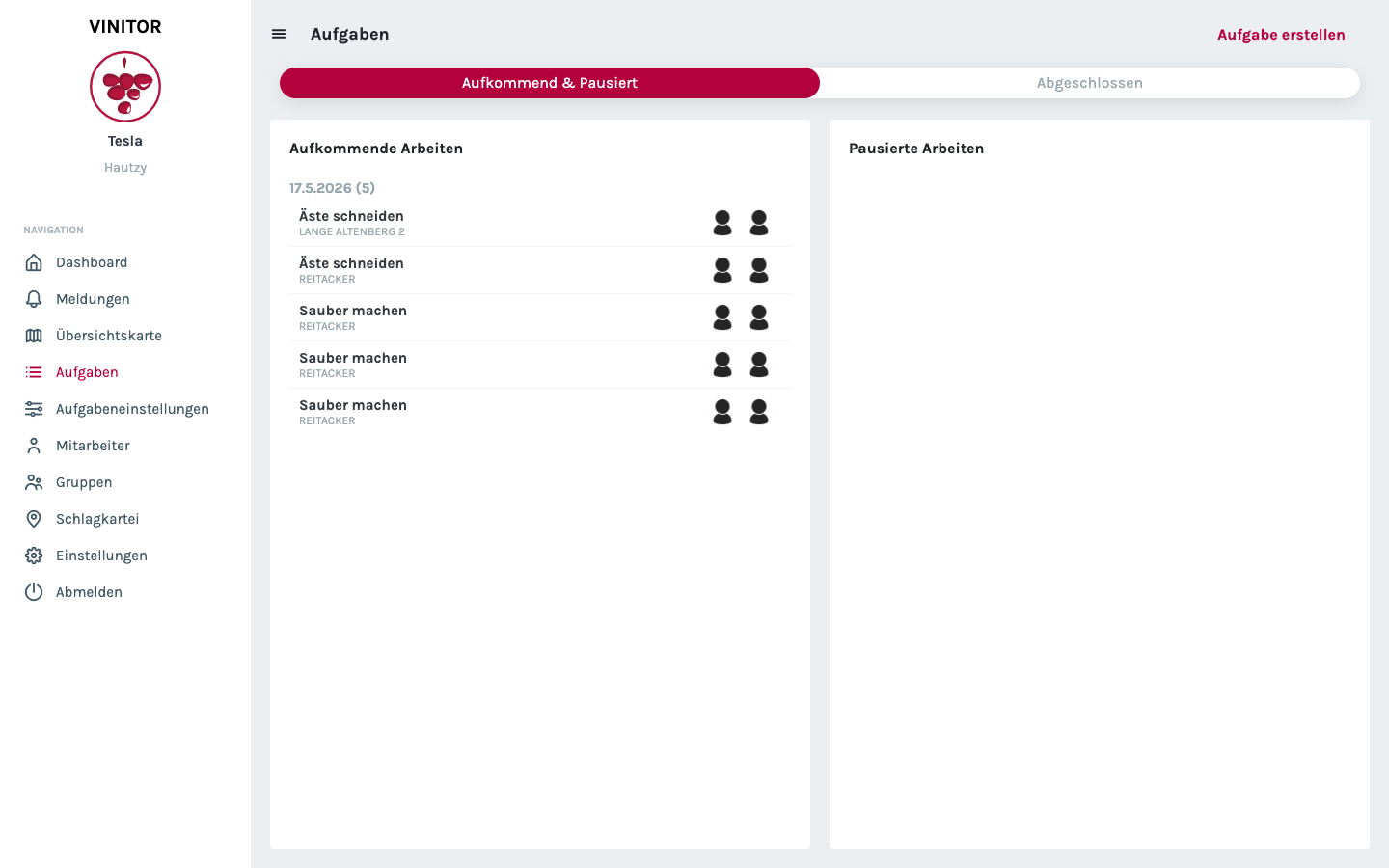
Tasks are the central concept in Vinitor — every activity in the vineyard is created as a task, assigned to one or more employees and linked to a vineyard or a vineyard group. The task list shows upcoming and paused work, grouped by weekday.
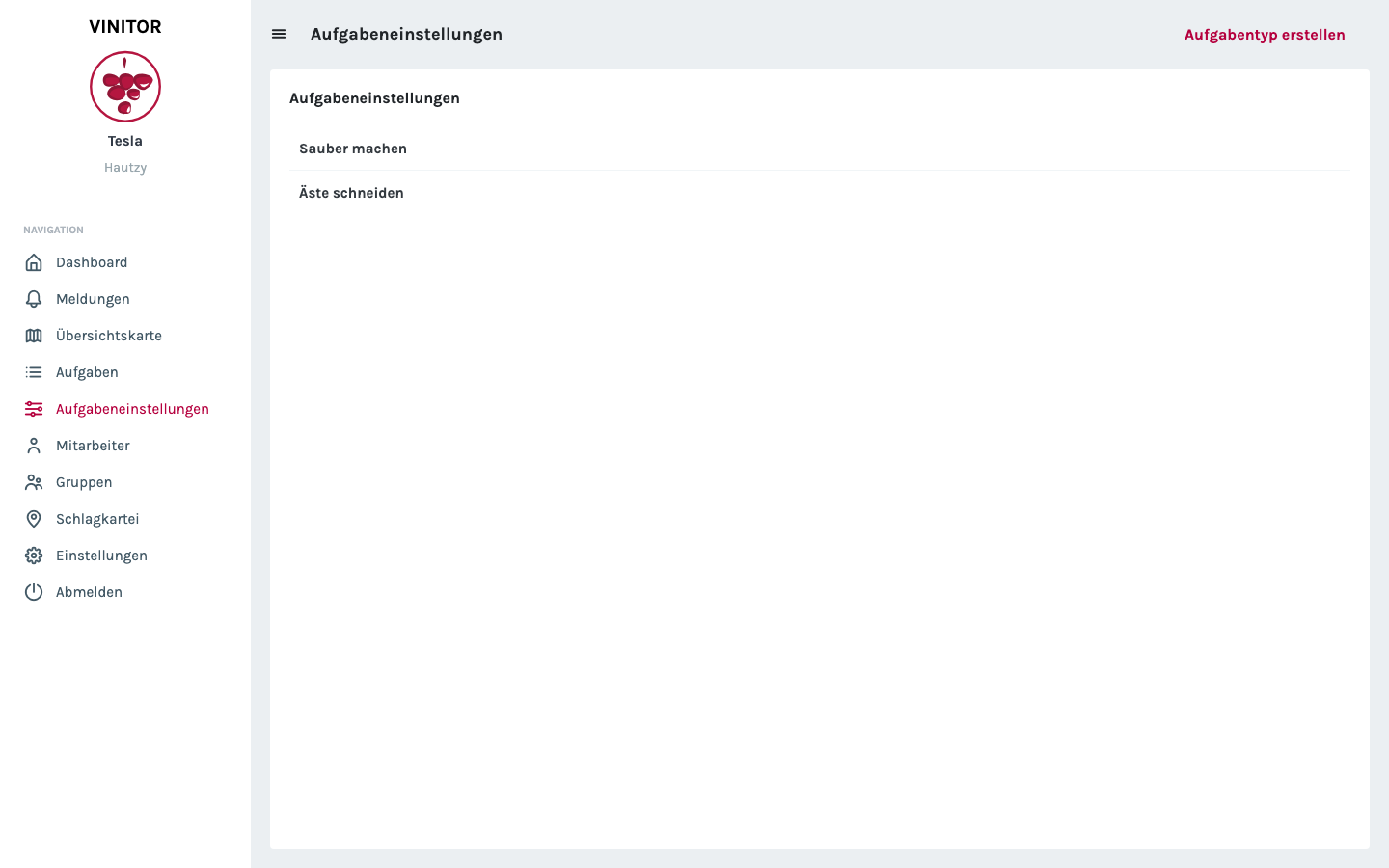
Task settings are where task types are created, serving as templates for concrete tasks. This keeps standard work such as “prune branches” or “clean up” consistently named and lets it be aggregated later for analyses.
Vineyards and overview map
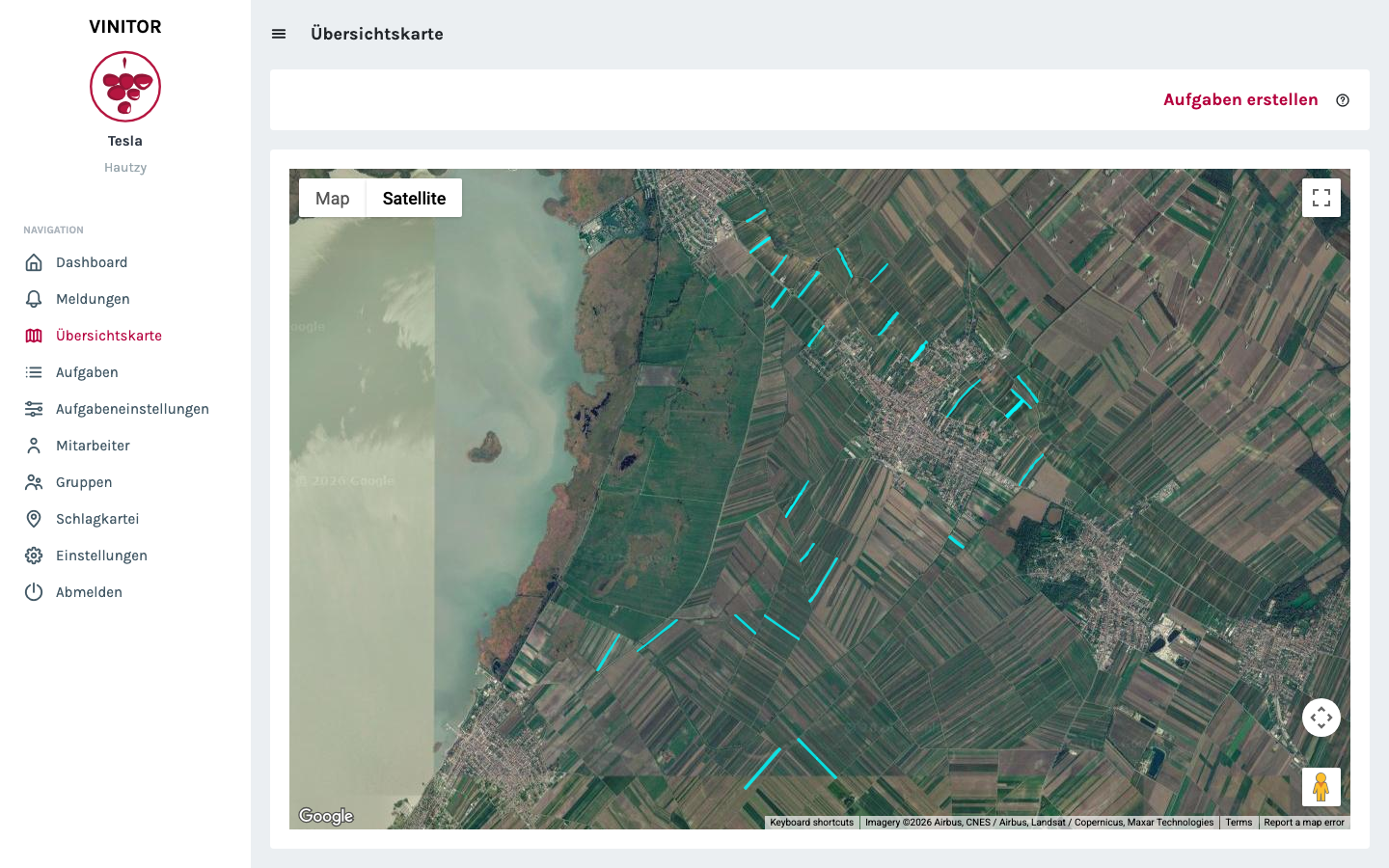
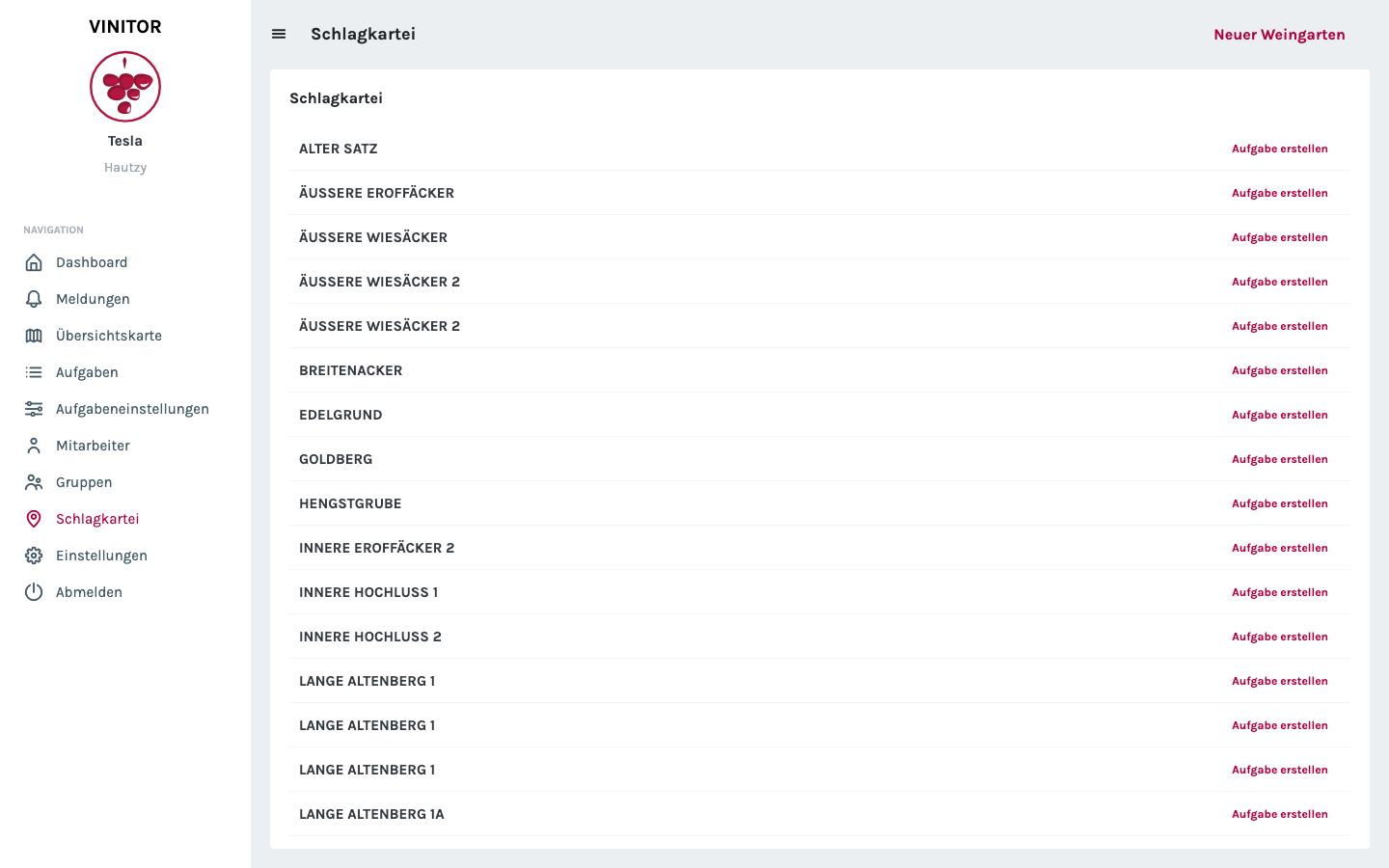
Vineyards are managed in the field record book — with name, grape variety and geometry. The overview map shows all areas on a satellite map. Each area can be clicked to open details or create a task directly.
Employees, groups and reports
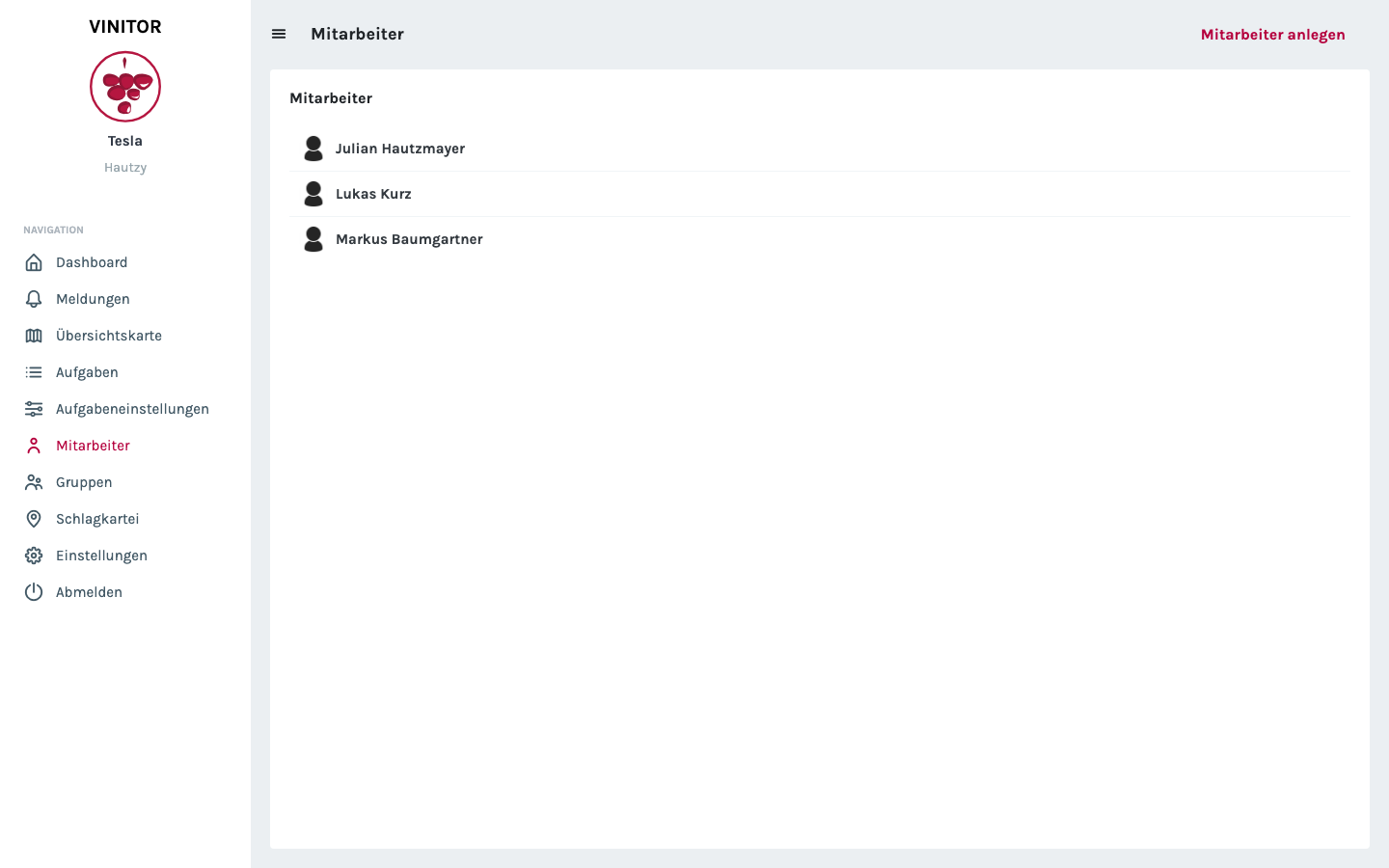
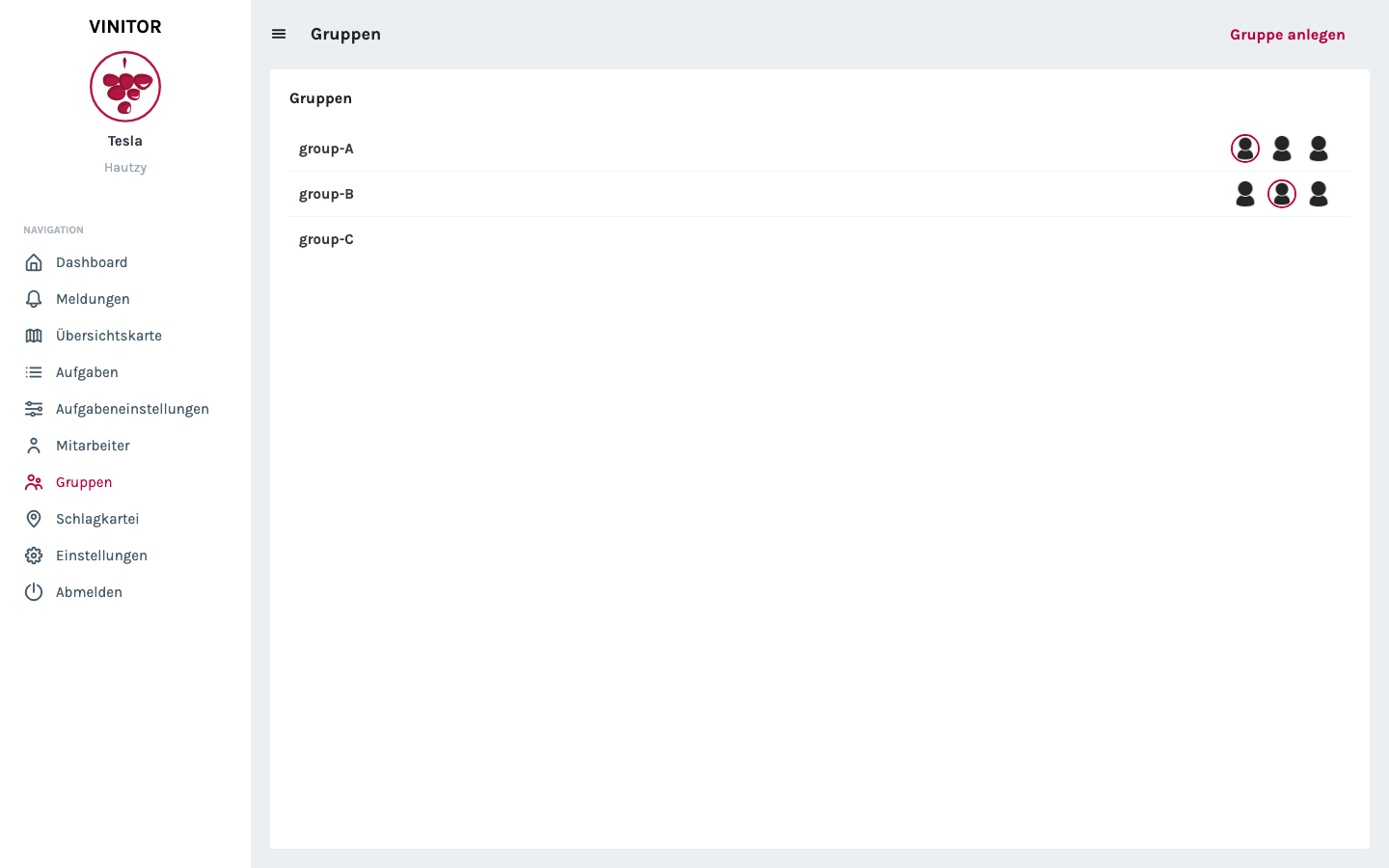
Employees are maintained with their master data, working days and leave periods. Groups let you define teams that can then be assigned tasks collectively. Incoming reports from the field appear both on the dashboard and in a dedicated report overview — from there a task can be created directly.
Mobile app — Vinitor in the field
The mobile app for iOS and Android is aimed at employees who do not work at a desk. It deliberately leaves out administrative functions and shows only what matters out in the field: your own tasks, a way to create reports and the weather at your location.
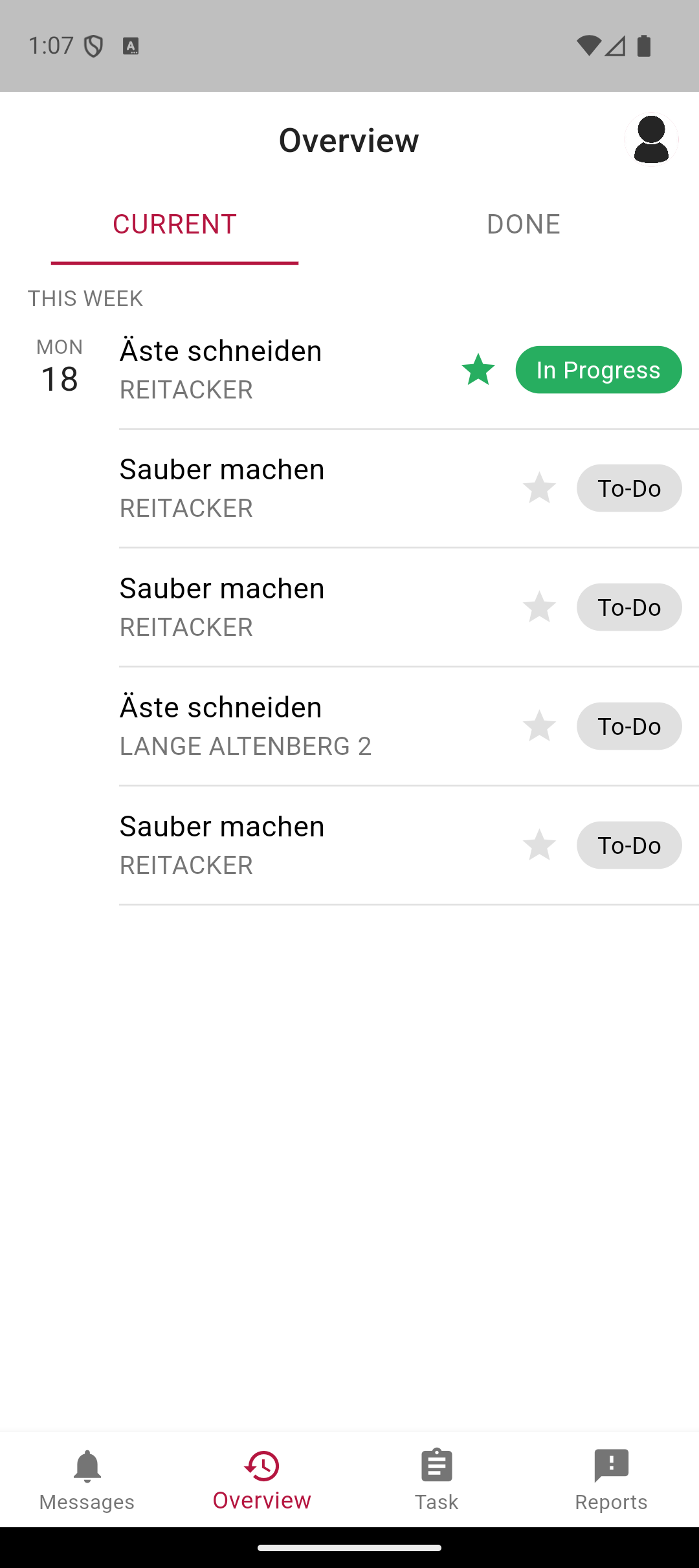
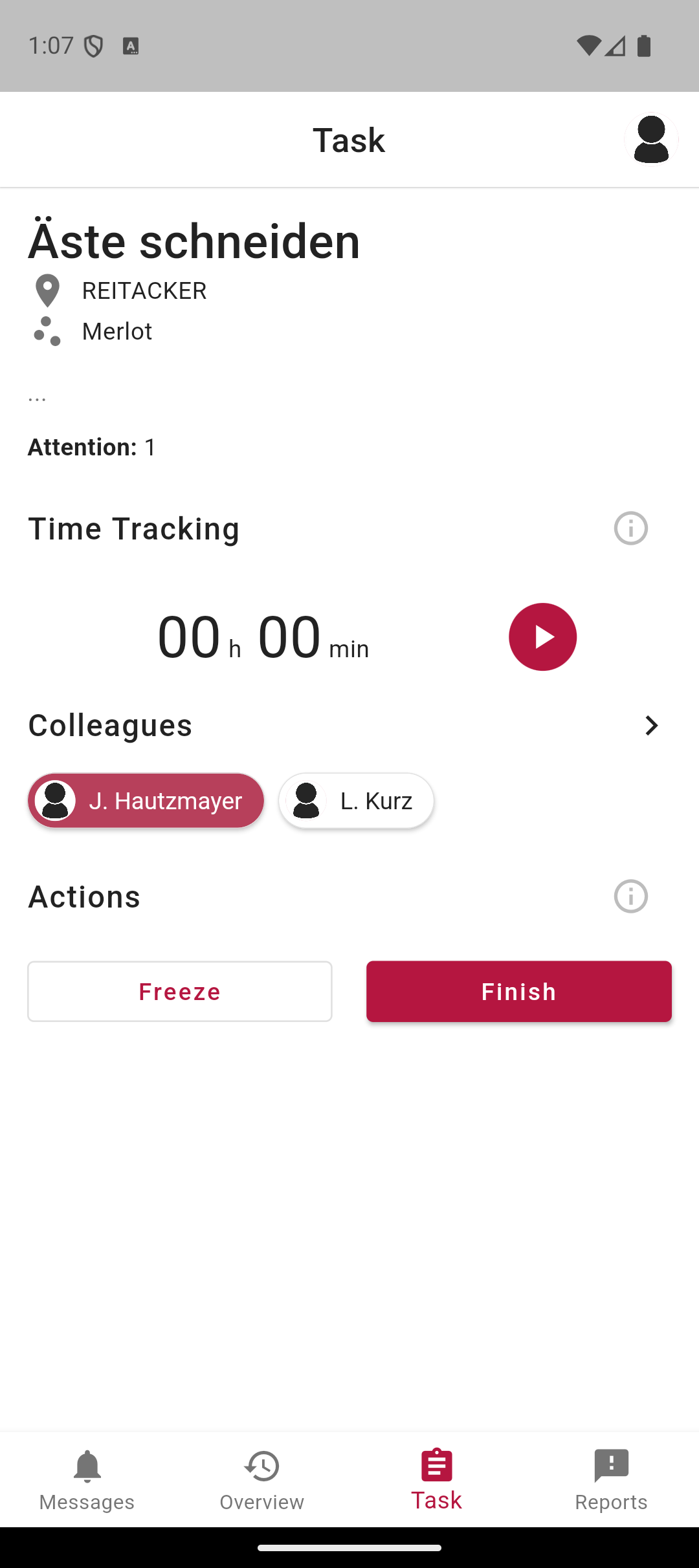
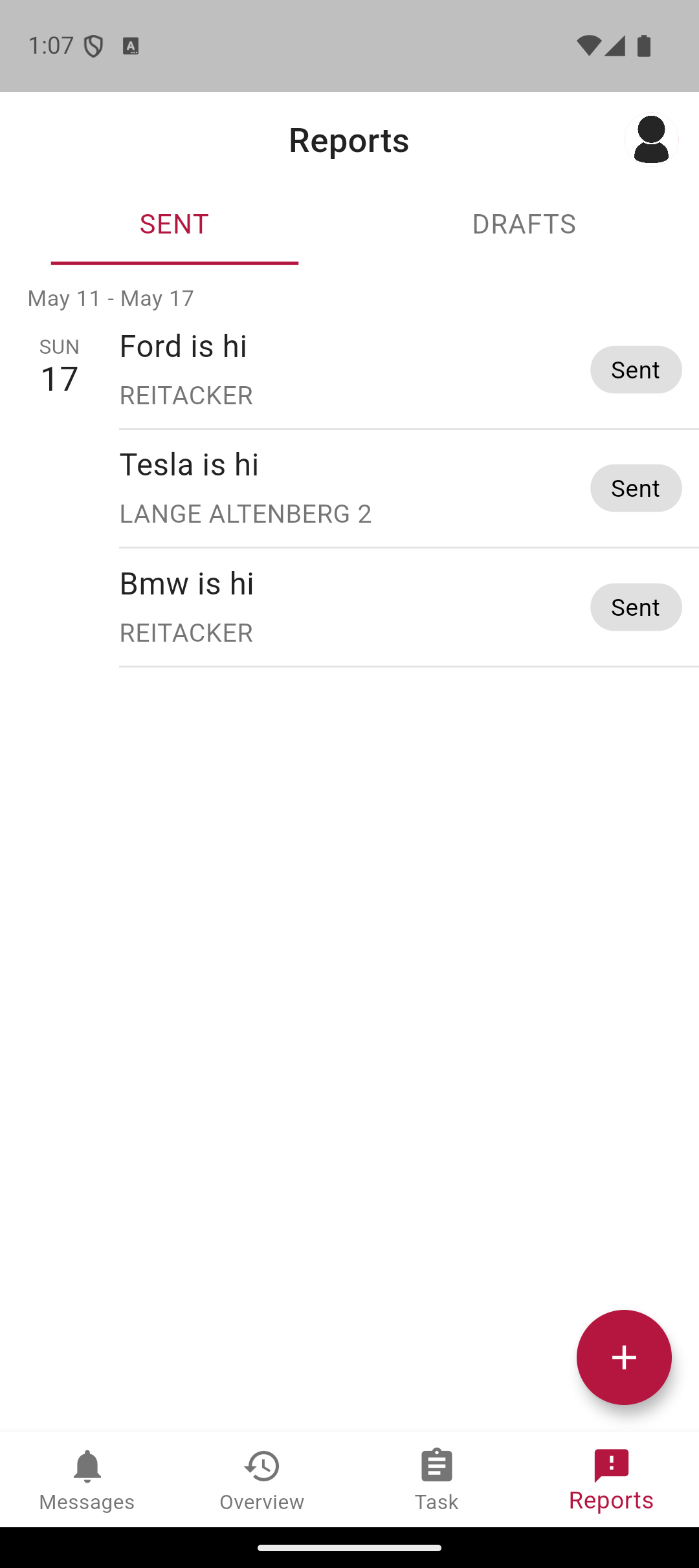
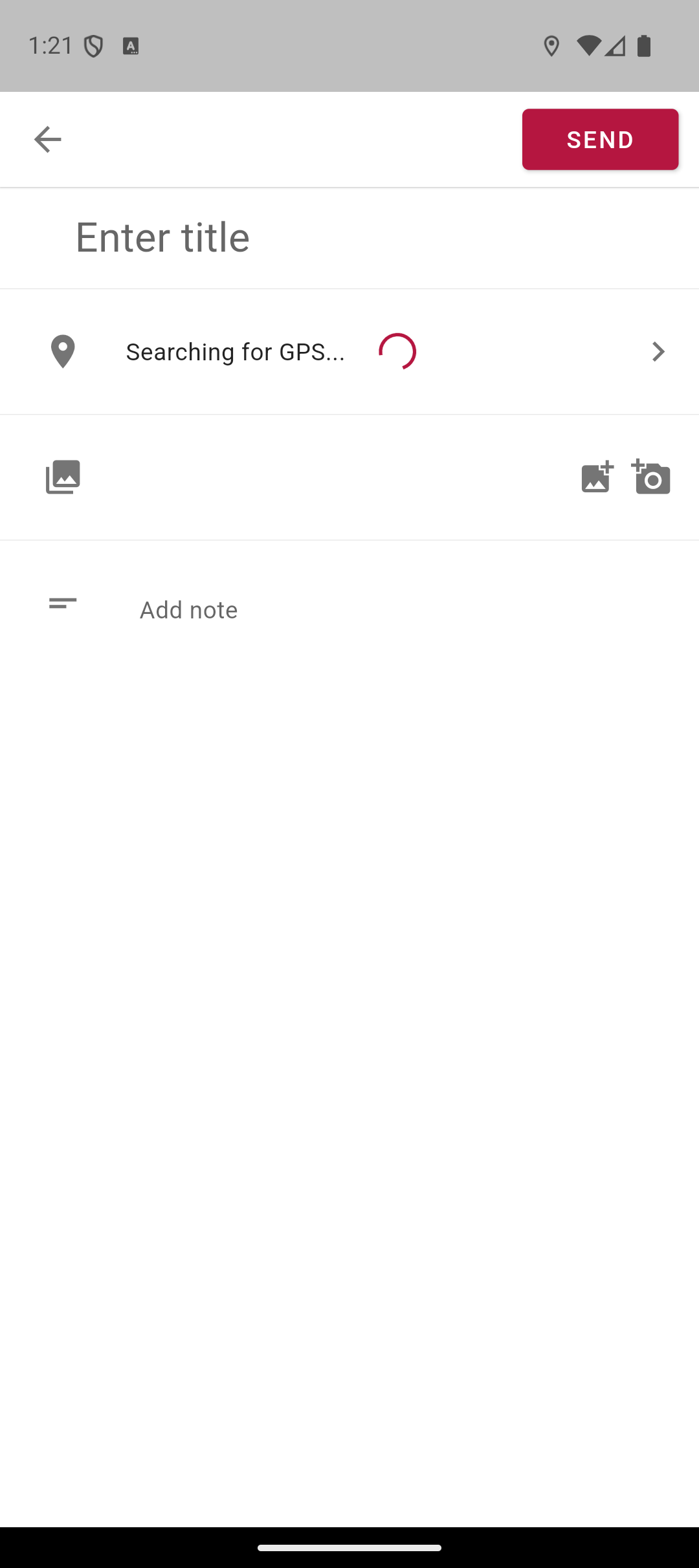
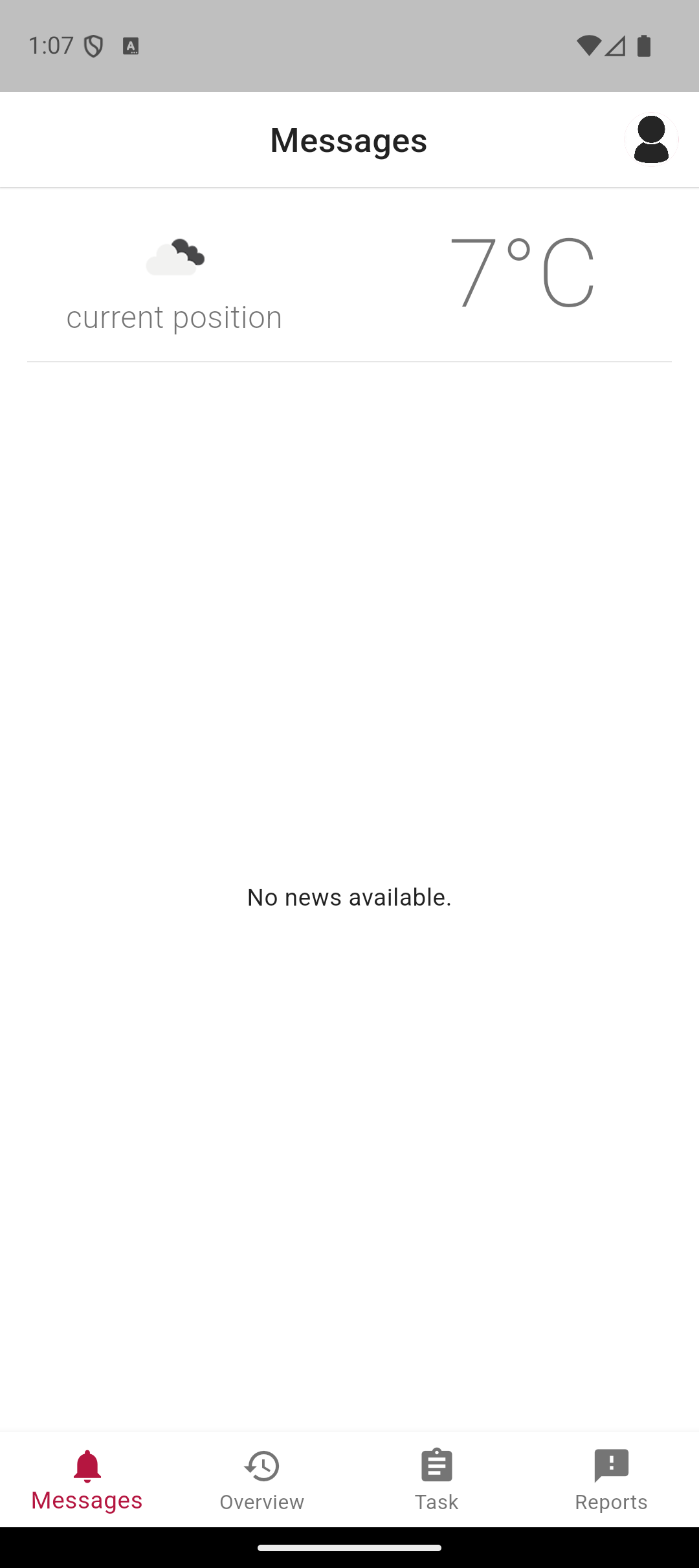
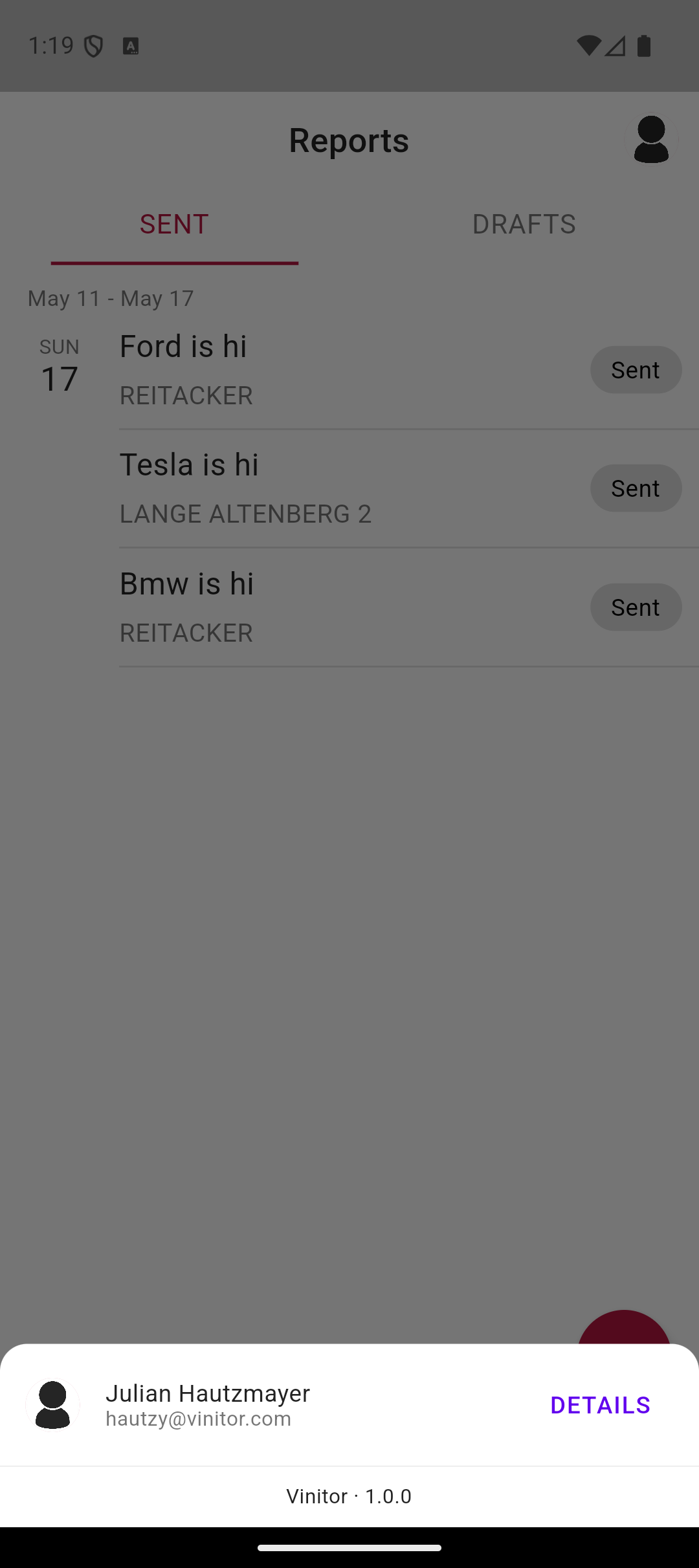
The app writes directly into the same database as the dashboard. Whoever schedules a task in the office sees it on their phone — and vice versa: time tracking started in the field keeps running even if the employee closes the app in between. When a report is submitted with a photo and GPS coordinates, it shows up in the dashboard a few seconds later.
Sorting, grouping, filtering — the real beta feature
The headline innovation of this beta is not a single page but a consistent principle: every list — tasks, reports, users, vineyards — can be sorted. Tasks can additionally be grouped by type or team, and vineyard groups let you combine several areas for a shared action (e.g. “all Merlot areas”).
The statistics page delivers first analyses of working times per vineyard and task type — the start of data-driven business planning that will be expanded considerably in the releases that follow.
✨ Improvements
- Dashboard with a task, employee and vineyard overview
- Sorting for tasks, reports, employees and vineyards
- Group tasks by type and team
- Create and manage vineyard groups
- Statistics page with bar charts
- Mobile app with a task list and report creation
- File upload for profile pictures and documents