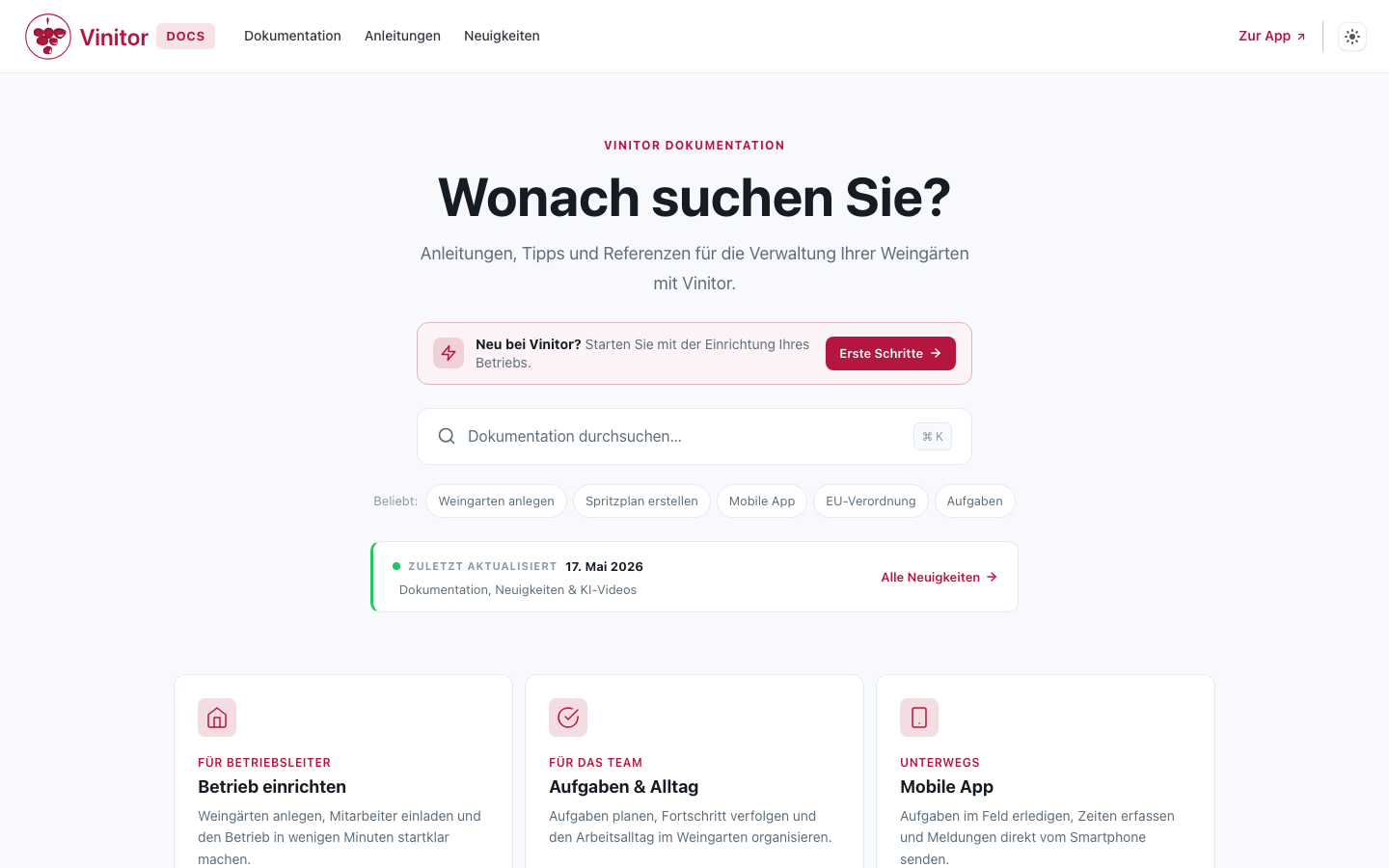
Vinitor has existed since 2021 — but proper documentation did not exist until now. Anyone who wanted to know how something works wrote to us or called. For a tool that winegrowers use in the vineyard — often with gloves and poor reception — that is not a good solution.
That is why we built docs.vinitor.app: a documentation site that explains all functions and helps with every question.
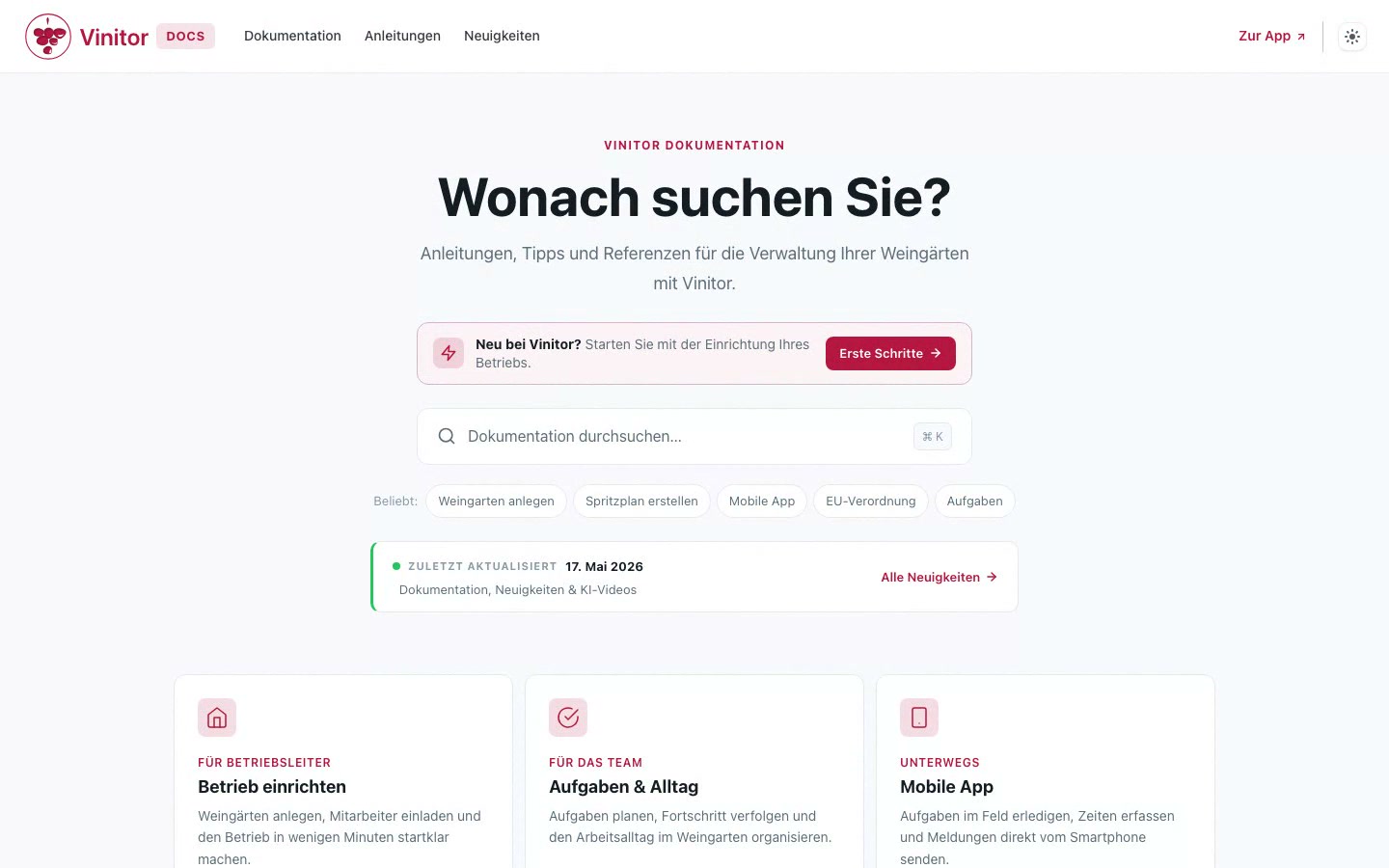
Why our own documentation site?
Vinitor has grown over the years — from simple task management to a platform with plant protection, time tracking, a permission system and a map view. With every new module, it became harder to explain everything through personal support alone.
Good documentation solves several problems at once: new users find their way faster, existing users discover functions they did not yet know, and our support team can point to concrete guides instead of explaining everything individually.
What is there?
The content is split into two areas:
Guides are step-by-step descriptions for concrete tasks: create a vineyard, create a spray plan, invite employees. Each guide shows exactly where to click and what happens.
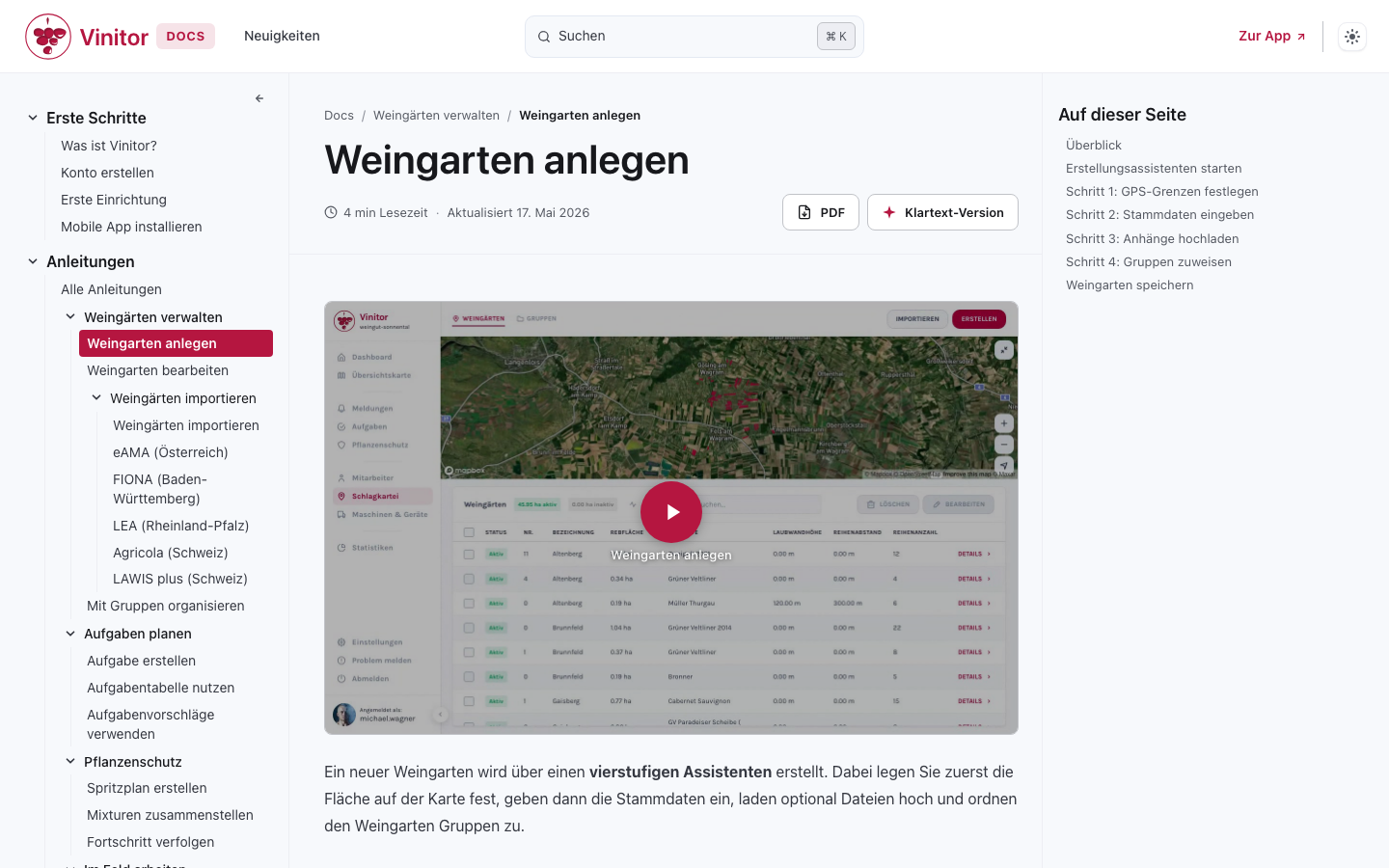
Reference documentation describes functions in detail: what does the permission system do, which fields does a vineyard have, how does GPS time tracking work? Here you will find everything you need for looking things up.
On top of that comes a getting-started area for the start: set up the business, install the mobile app, create the first vineyards.
Full-text search
All content is reachable via a full-text search. Just start typing — the results appear instantly with a preview and highlighting of the matches. The search works offline too, because the search index comes along when the page loads. So even in the vineyard without a stable internet connection you quickly find the right guide.
Video tutorials with AI voiceover
For the most important guides there are short video tutorials that show the workflow directly in the dashboard. The videos are not recorded manually but generated automatically: a script controls the browser, carries out the steps and records everything.
The voiceover is handled by an AI-generated voice based on the voice of founder Lukas Kurz. When the interface changes, we can regenerate the video in minutes, without setting up a microphone.
This is currently still an experiment. We are trying out whether this format really makes the start with Vinitor easier and how the videos land with our users. The technology behind it is new and we are still learning ourselves — both with the voice quality and with the preparation of the content. We are happy to receive feedback on it.
News page
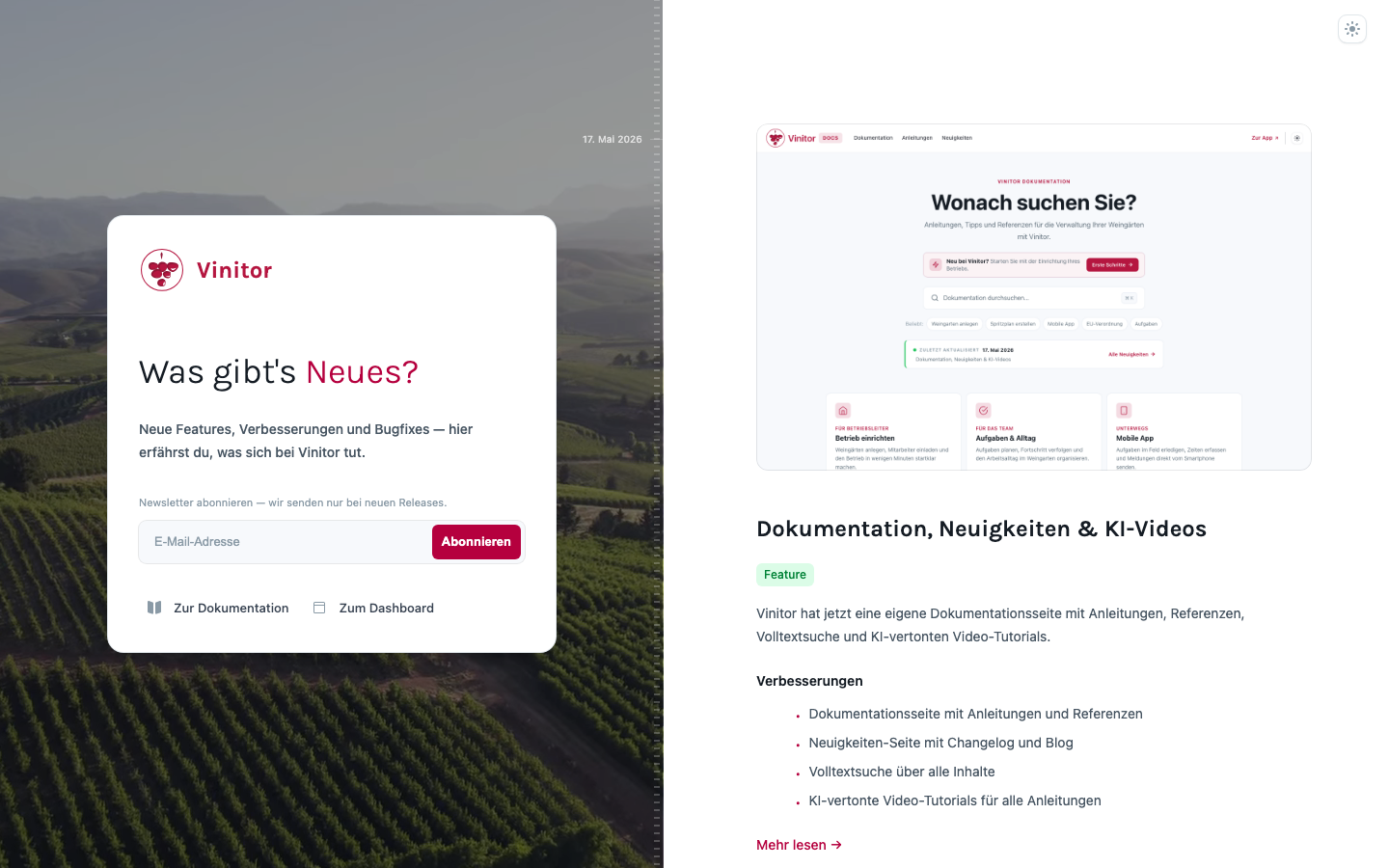
Until now there was no central place where you could see what had changed in Vinitor. That is changing with the News page: every update appears there in a timeline — with a date, tags and a short summary.
For larger features there are additionally detailed blog posts like this one. There we describe not only what is new, but also why we built it and how it works technically.
What is next?
The documentation is available from now on at docs.vinitor.app. We will keep expanding it — with new guides, videos and reference pages.
By the way: anyone who leafs attentively through the task documentation will already spot hints of a new task system in a few places. That is not a mistake — the function is currently in final review and is expected to appear with the next release. A little taster, then.
We look forward to feedback — on the documentation, on the videos, or on Vinitor in general.