
When a vineyard is split — for example because one half is leased out or planted with a new grape variety — you previously had to delete the existing vineyard and create two new ones. In the process, all linked data was lost: tasks, reports, time tracking.
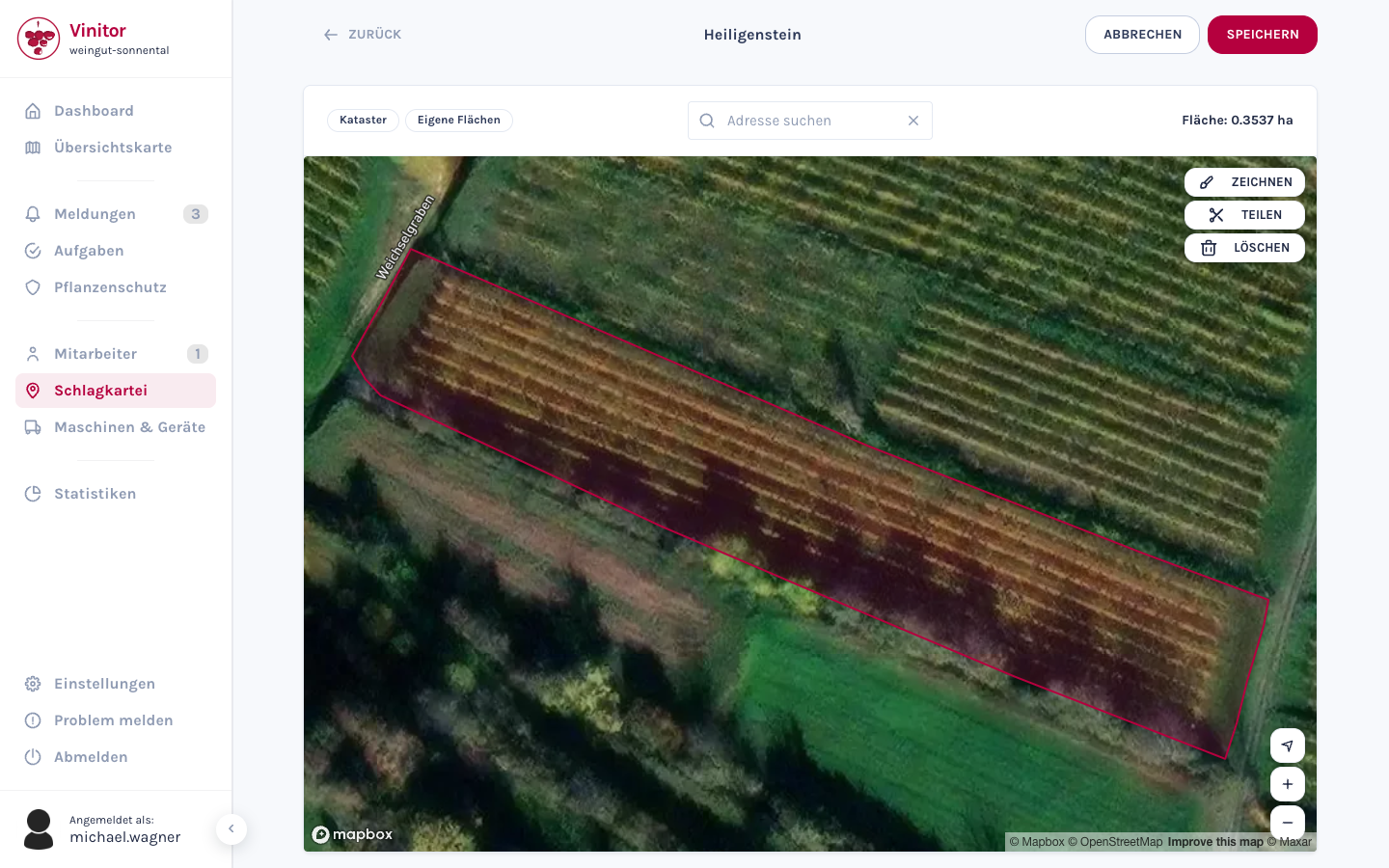
From now on this works directly on the map: draw a line across the vineyard, and the area is automatically cut into two parts. Both new vineyards keep their connection to the original.
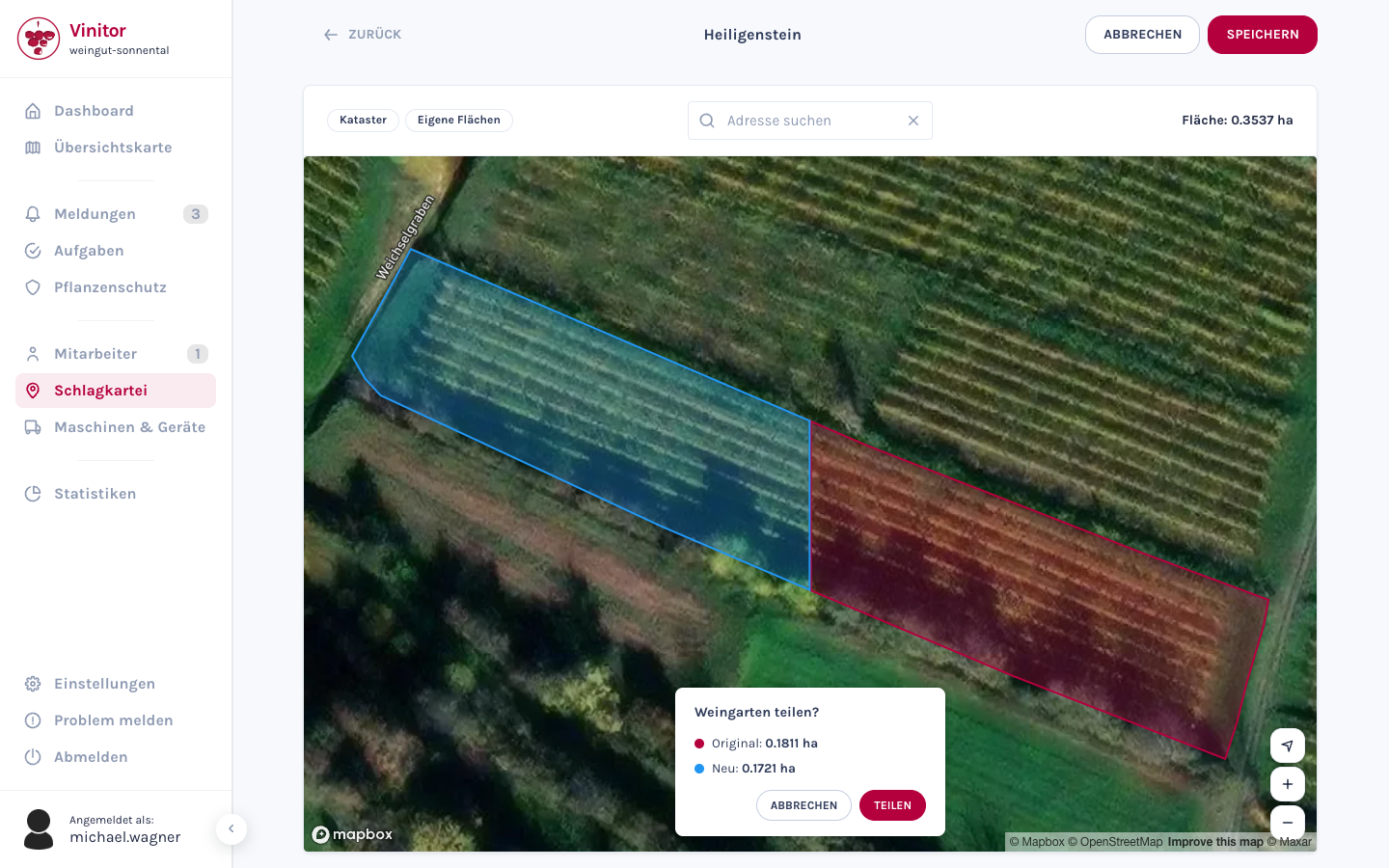
The area editor has been fundamentally reworked in the process — points can be moved more intuitively, and operation on touch devices works considerably better.
For new businesses there are now 47 predefined task types. Instead of starting from scratch, new businesses start with the usual viticulture tasks: cutting, tying up, defoliating, thinning, plant protection, embankment mowing and much more. The types can be adjusted, extended or deleted at any time.
Behind the scenes there was a major technical update: Spring Boot 4 with Hibernate 7 on the server, Angular 21 in the dashboard and Riverpod 3 in the mobile app. These updates bring better performance and enable us to develop new functions faster.
✨ Improvements
- Split a vineyard into two areas with a polyline
- Reworked area editor with better UX
- 47 predefined task types for new businesses
- Technical modernisation — Angular 21, Spring Boot 4, Riverpod 3