
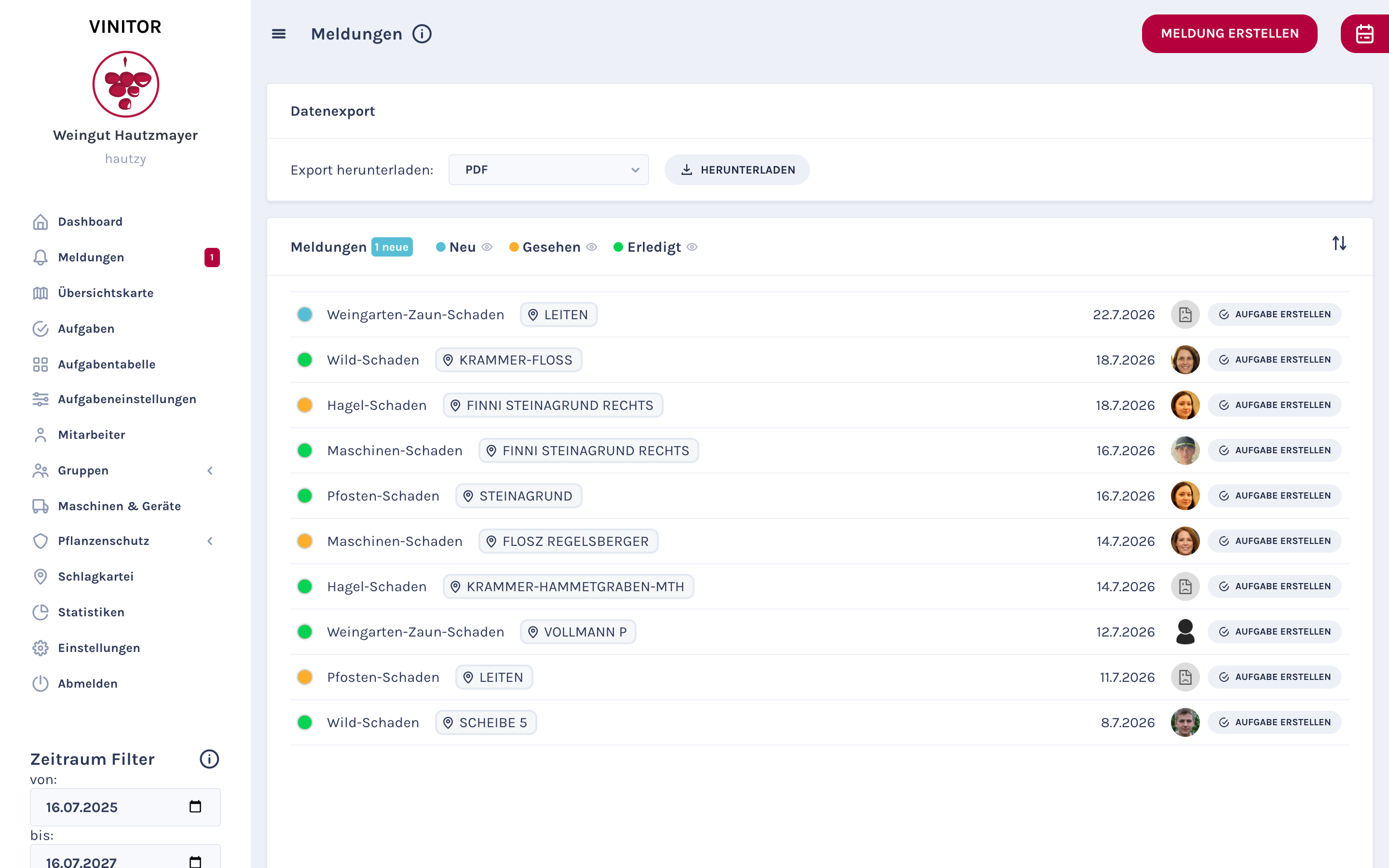
Reports — damage reports, observations, documentation — should be usable outside Vinitor too. With the new data export, reports can be downloaded as a print-ready PDF (or CSV). Handy for filing, for insurance cases or when you want to send a matter to an adviser.
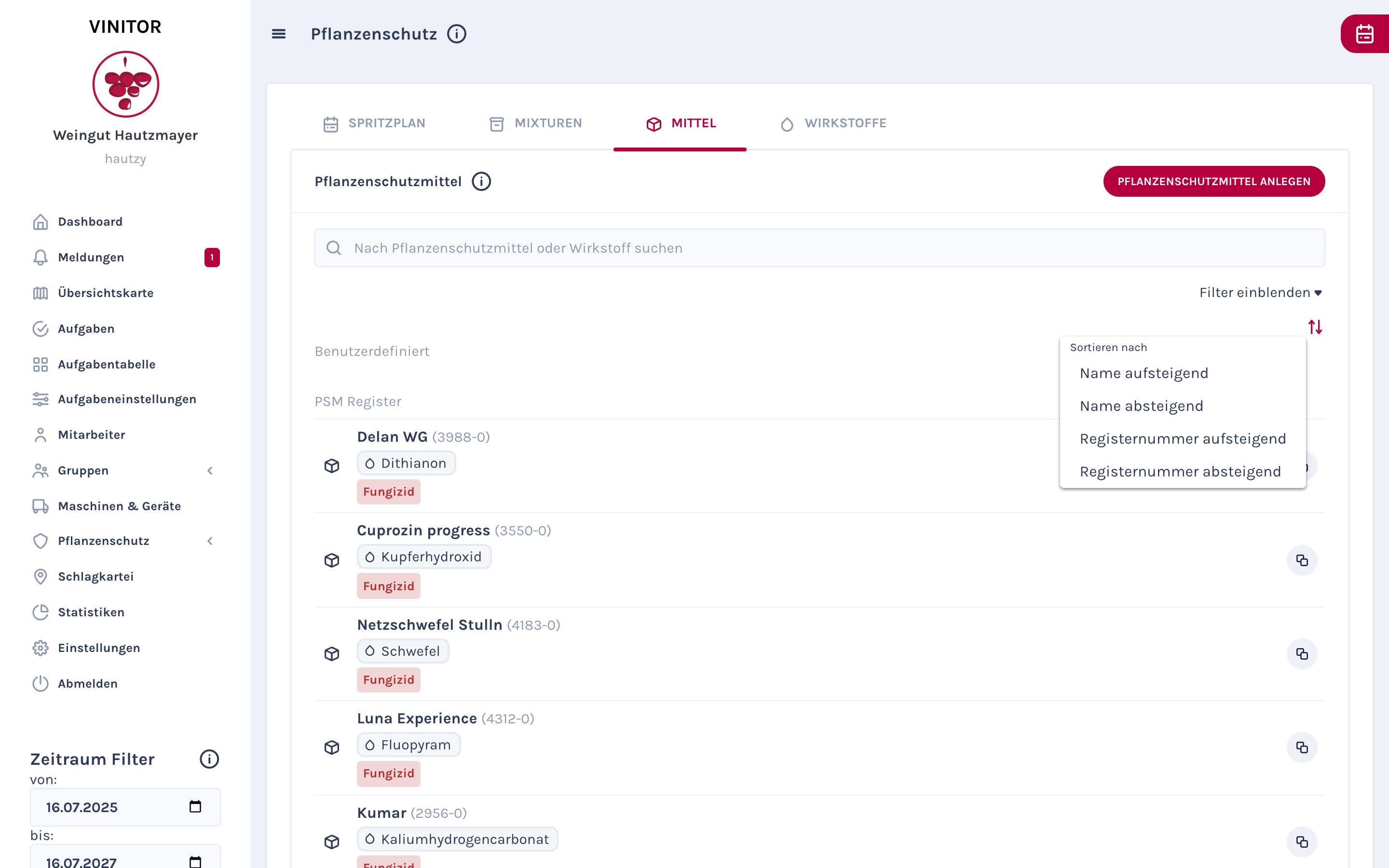
The plant protection product list can now be sorted — by name or registration number, each ascending or descending. For businesses with dozens of products, this saves time when searching.
In the mobile app, the foreman can set the task ranking. Task 1 is done first, then 2, then 3. The ranking is optional — businesses that do not need it can switch it off.
✨ Improvements
- Export reports as PDF — for documentation and archiving
- Pesticide list sortable by name, active substance and authorisation
- Task ranking in the mobile app — set the order
- Ranking optional — not every business needs it
- Create vineyard groups directly on the map
- Time-tracking status check before starting a session
All news
improvement dashboard mobile-app