Vinitor 1.1 — Automatic Time Tracking & Compliance
Manual time tracking — “I was in the Ried vineyard from 8 to 12” — is error-prone and easily forgotten. Version 1.1 solves this: the app starts tracking directly from the task, records the GPS position even in the background and assigns the working time to the right vineyard. Employees select their colleagues once, press Start — and the hours land in the system automatically.
Tracking directly from the task
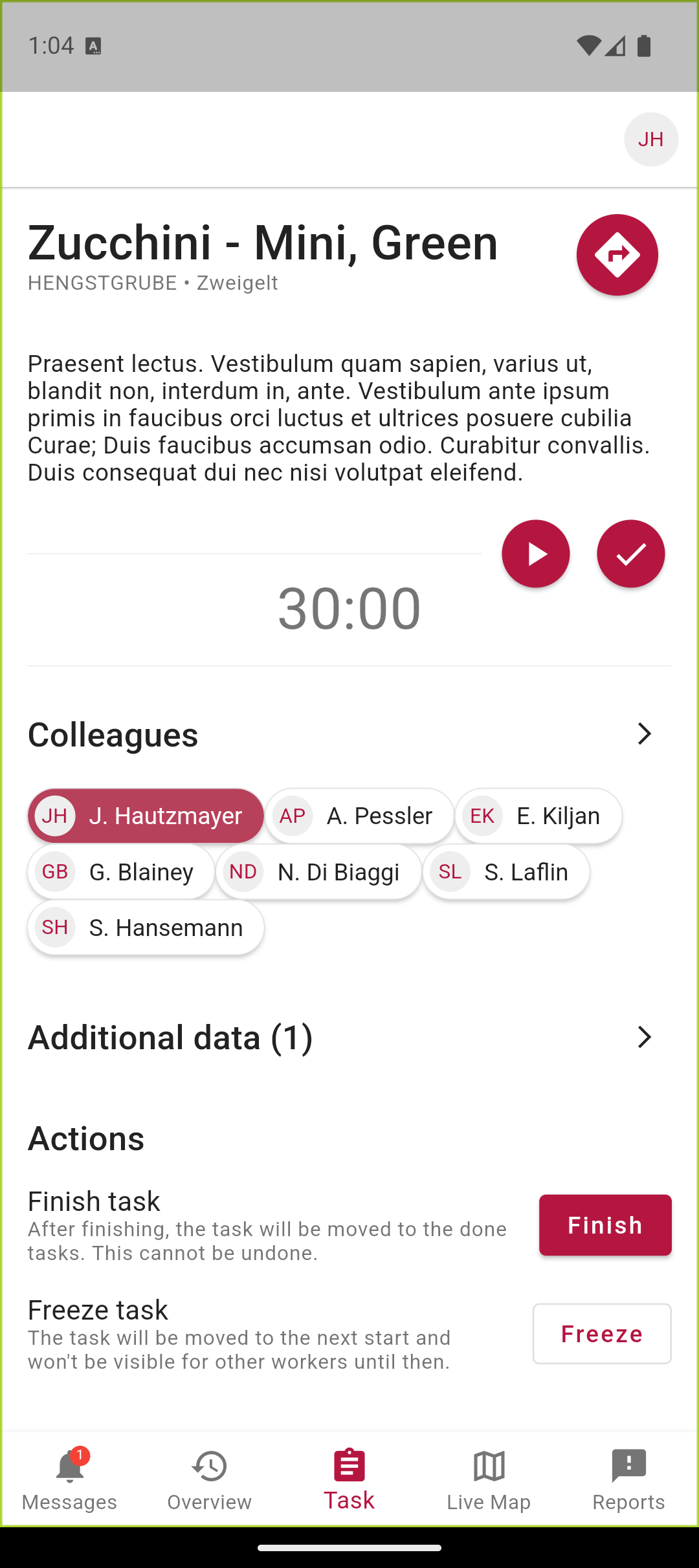
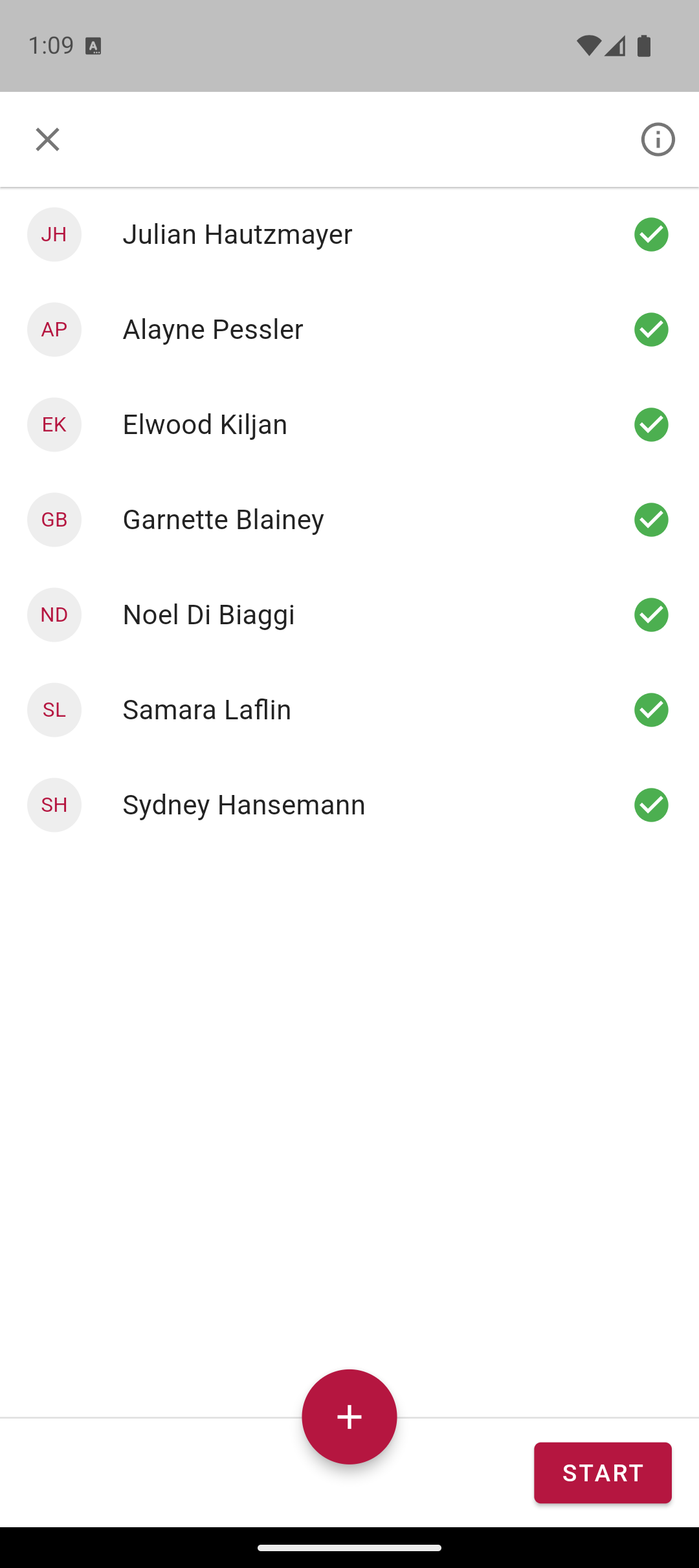
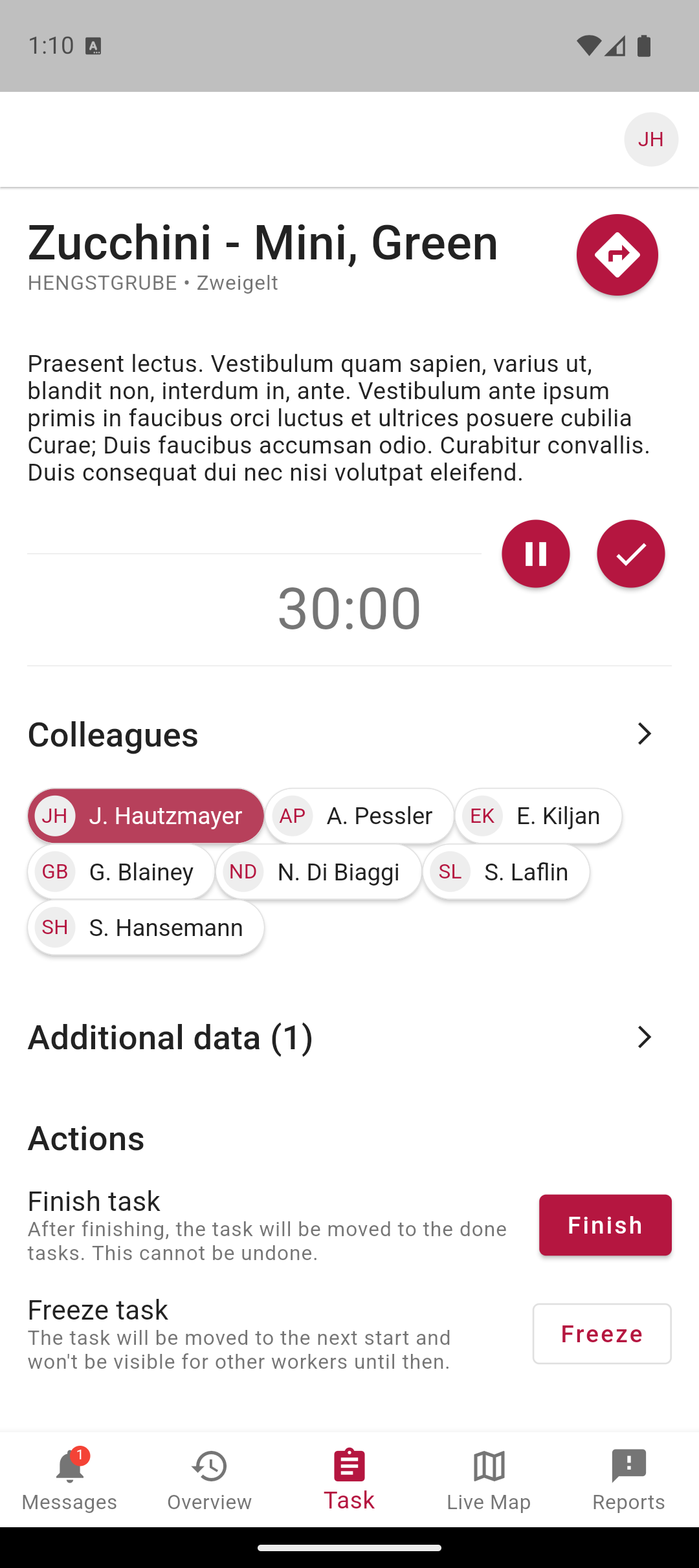
On the task detail page there is now a Start button for time tracking next to the Done button. On start, a dialog appears with all assigned employees — the time is booked to everyone selected. While tracking is running, the app shows a Pause button and the entry stays active in the background.
Background GPS with a compliance dialog
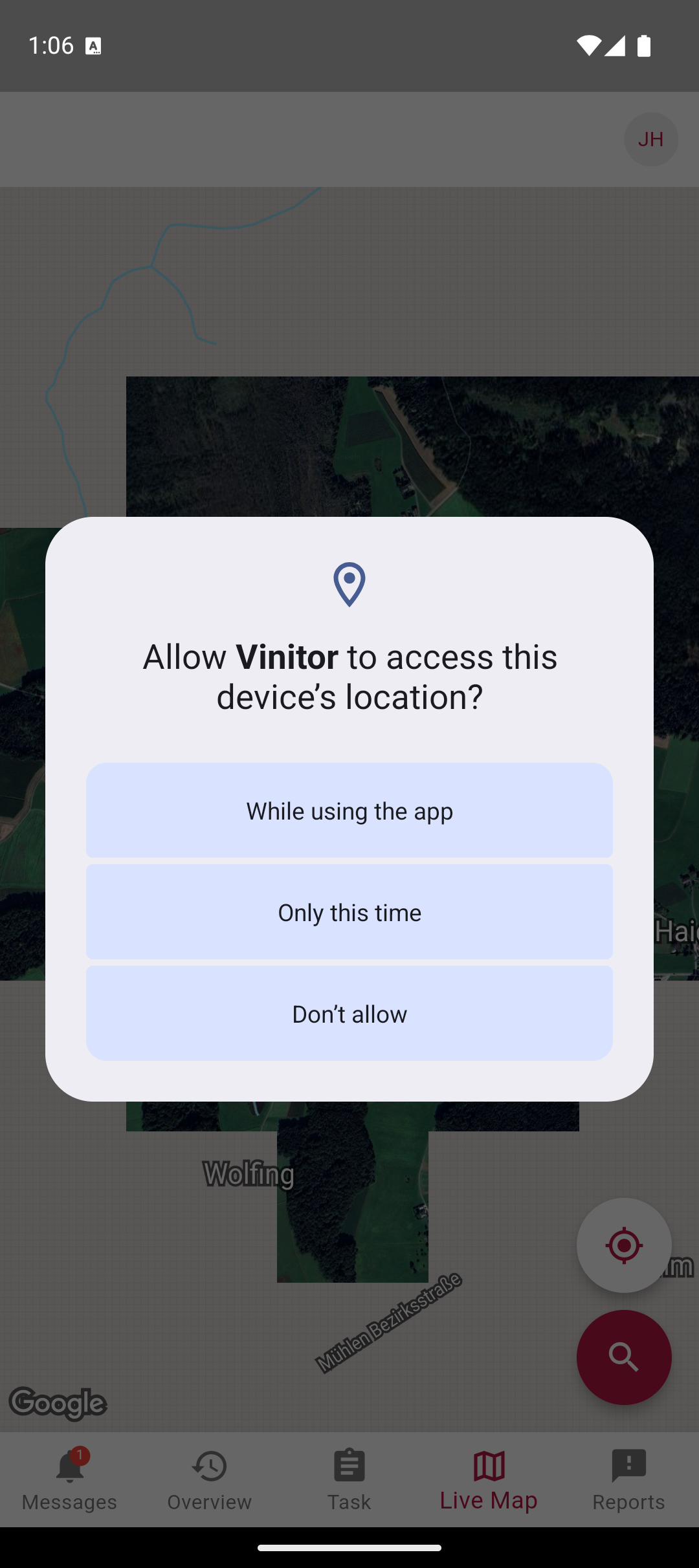
So that time tracking works even when the phone is in your pocket, the app records the location in the background. This does not happen silently and secretly: on first opening the Live Map, the app explicitly asks for permission. The employee decides for themselves whether to allow it only while using the app, just once or not at all.
Overview with a GPS position per task
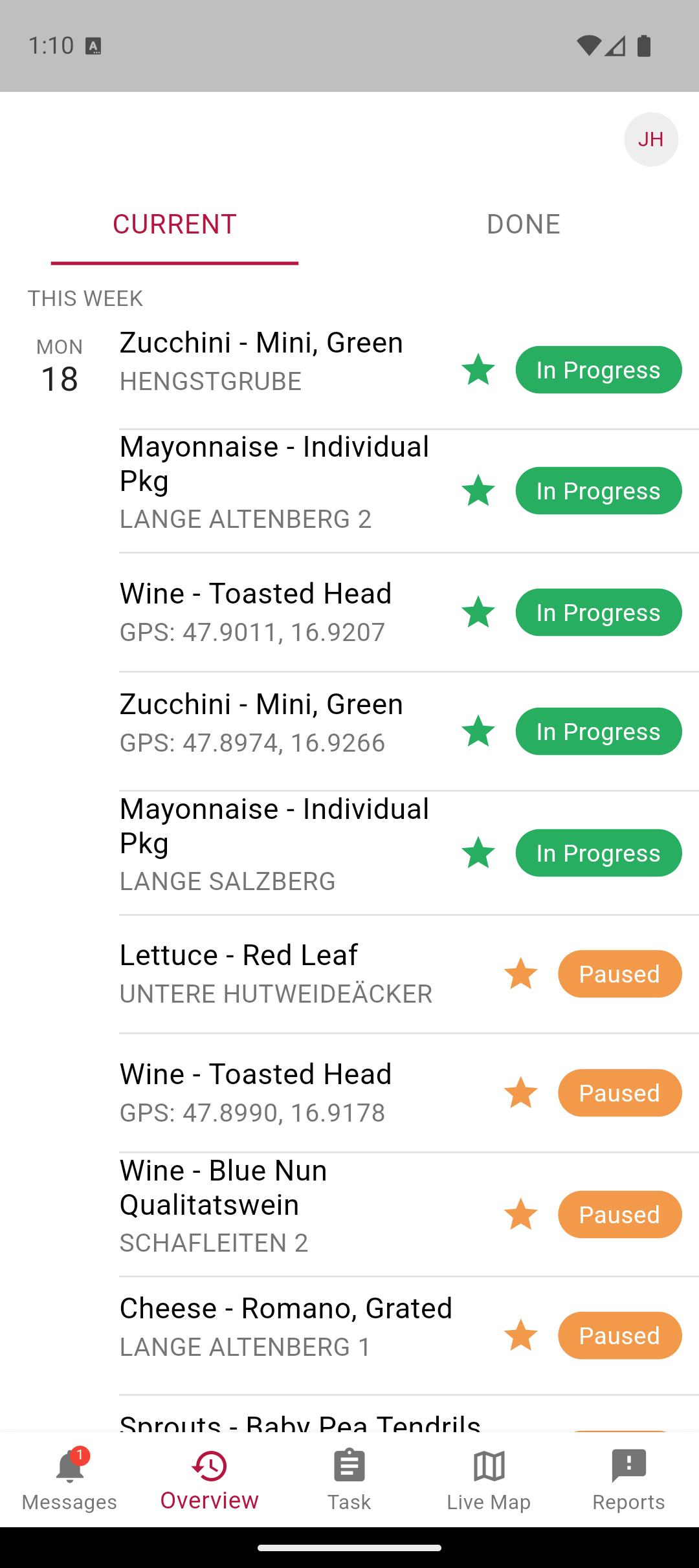
In the overview tab, the most recently recorded GPS position is now visible under each task — so the task lead can see at a glance where work is currently being done, and follow-up questions become unnecessary.
Non-sensitive user data
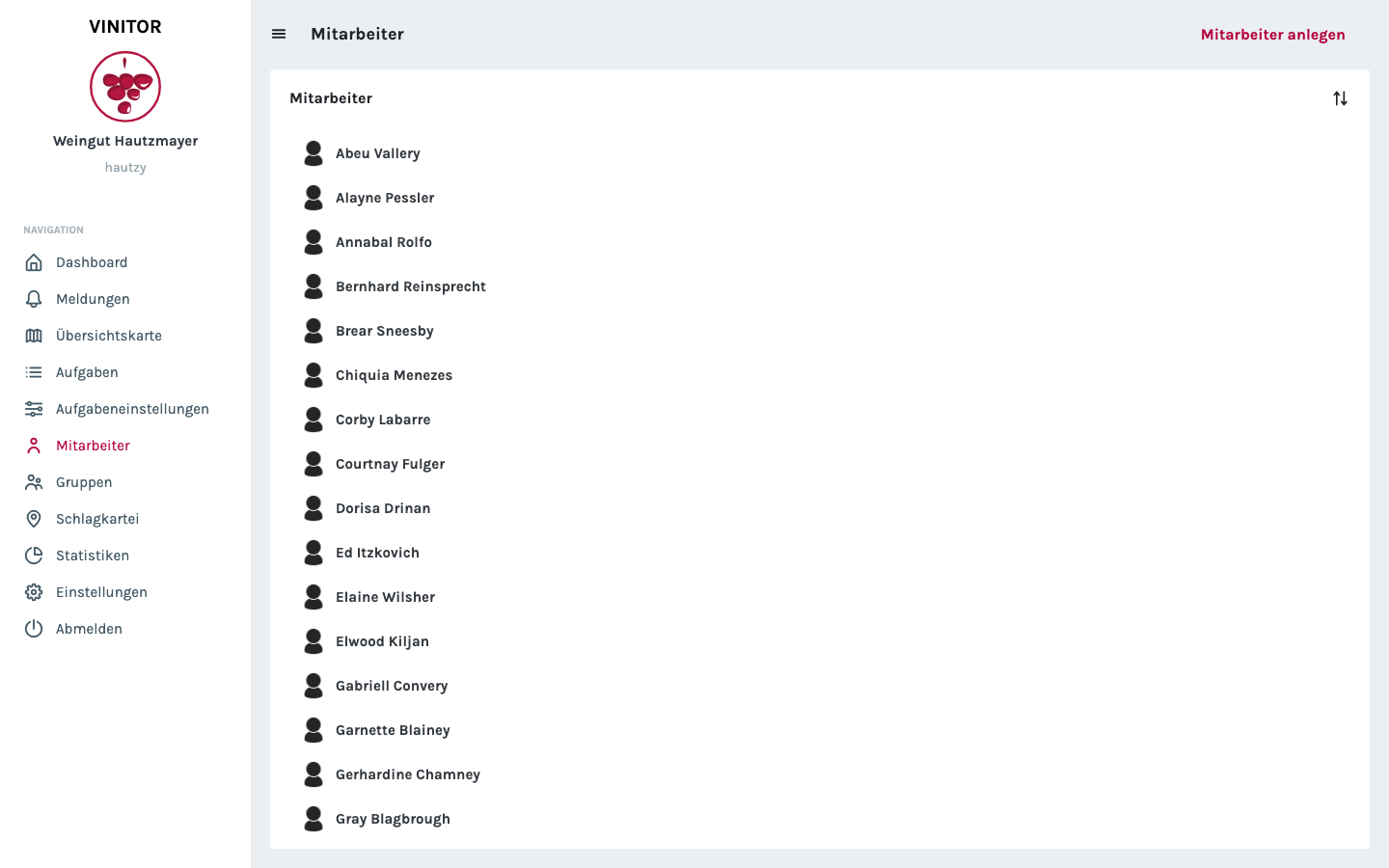
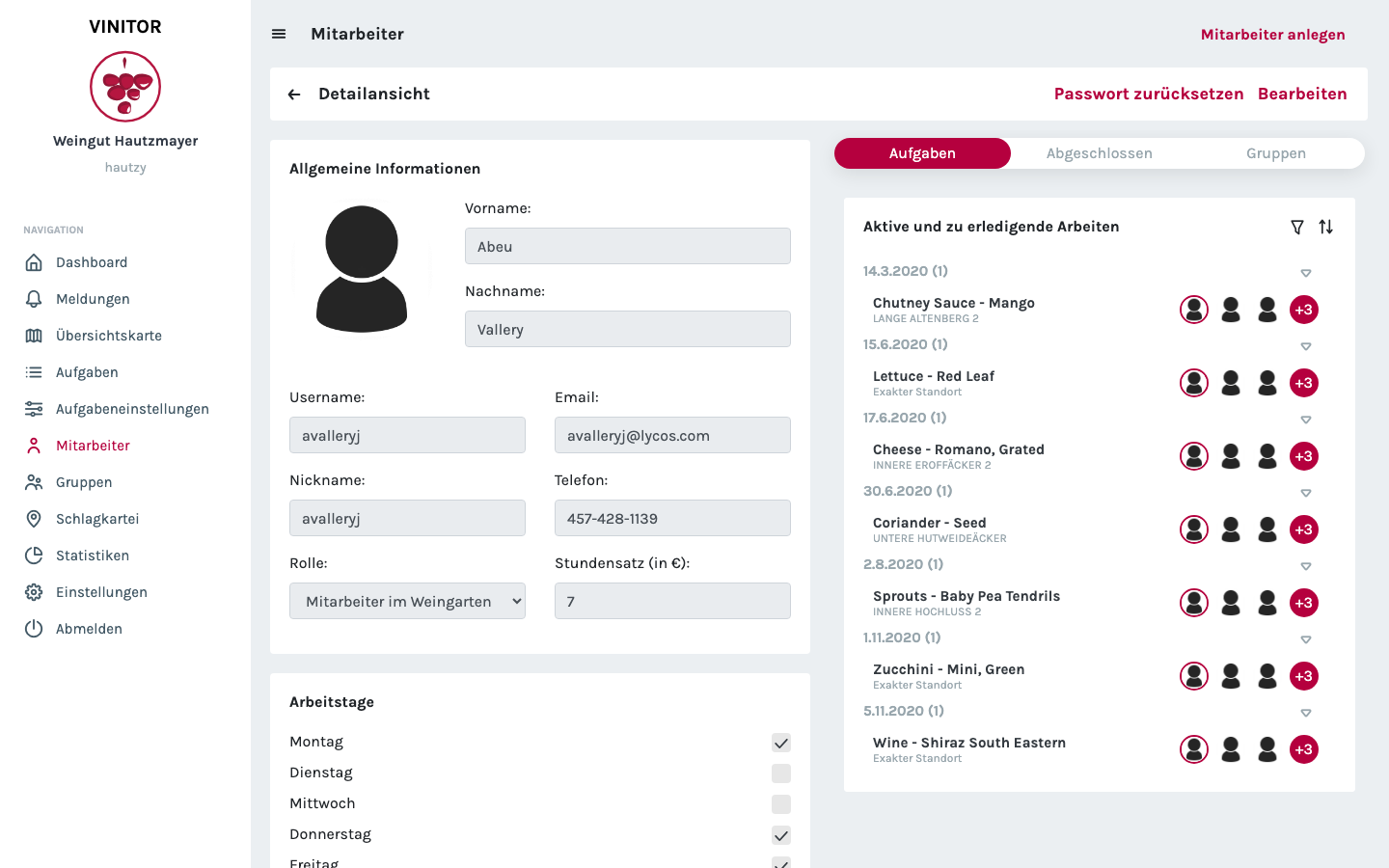
In the dashboard, employee management has been reworked: the master data — name, email, phone, hourly rate, working days — is now clearly structured as non-sensitive data that roles with restricted access can also see. This lets task leads be deployed without full admin access, without them knowing nothing about their crew.
Dashboard improvements
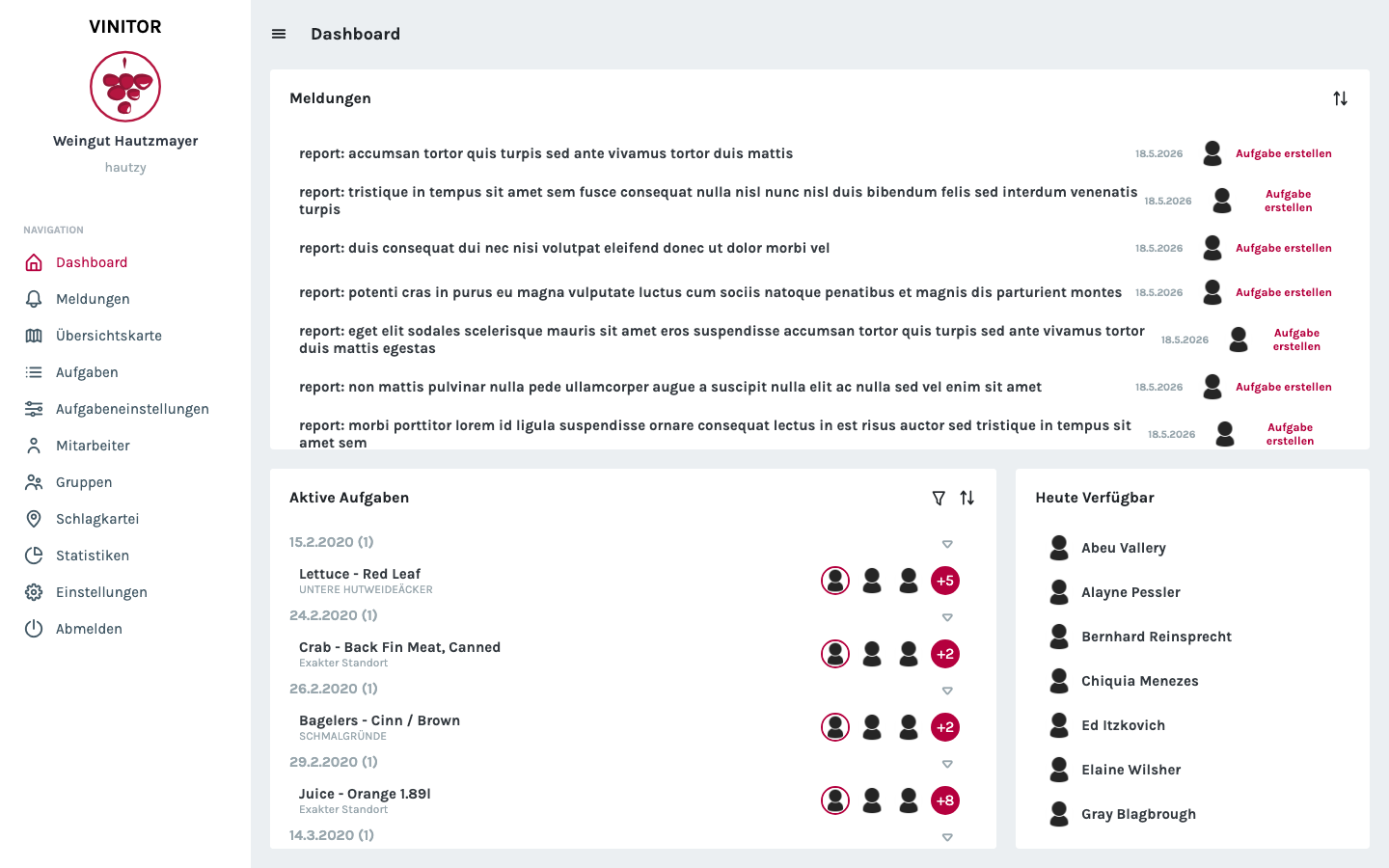
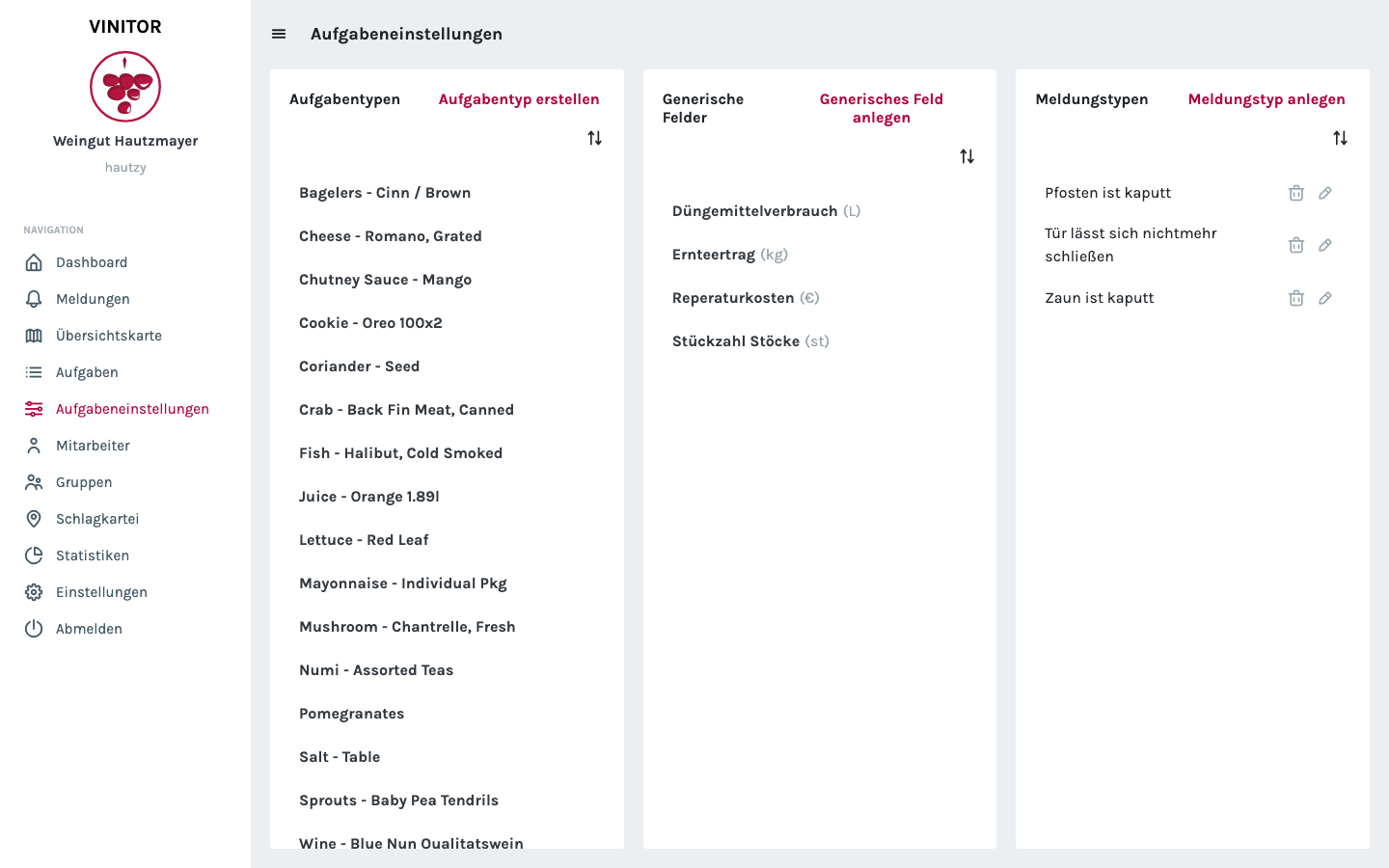
The dashboard itself was also tidied up: the home page now shows incoming reports, active tasks and a quick overview of which employees are available today. Task types, generic fields and report types are combined into a single settings page.
✨ Improvements
- Automatic time tracking — working hours are assigned via GPS
- Background GPS — location tracking even when the app is closed
- Data-protection compliance — location sharing with explicit consent
- Account rating system for new businesses
- Non-sensitive user data as a fallback for restricted roles
- UI improvements in the dashboard