Vineyards live on details — grape variety, location, area. But sometimes a photo says more than any figure. What does the condition look like after winter? Where exactly is the game damage? From now on, photos can be stored directly on the vineyard — both via the mobile app and in the dashboard.
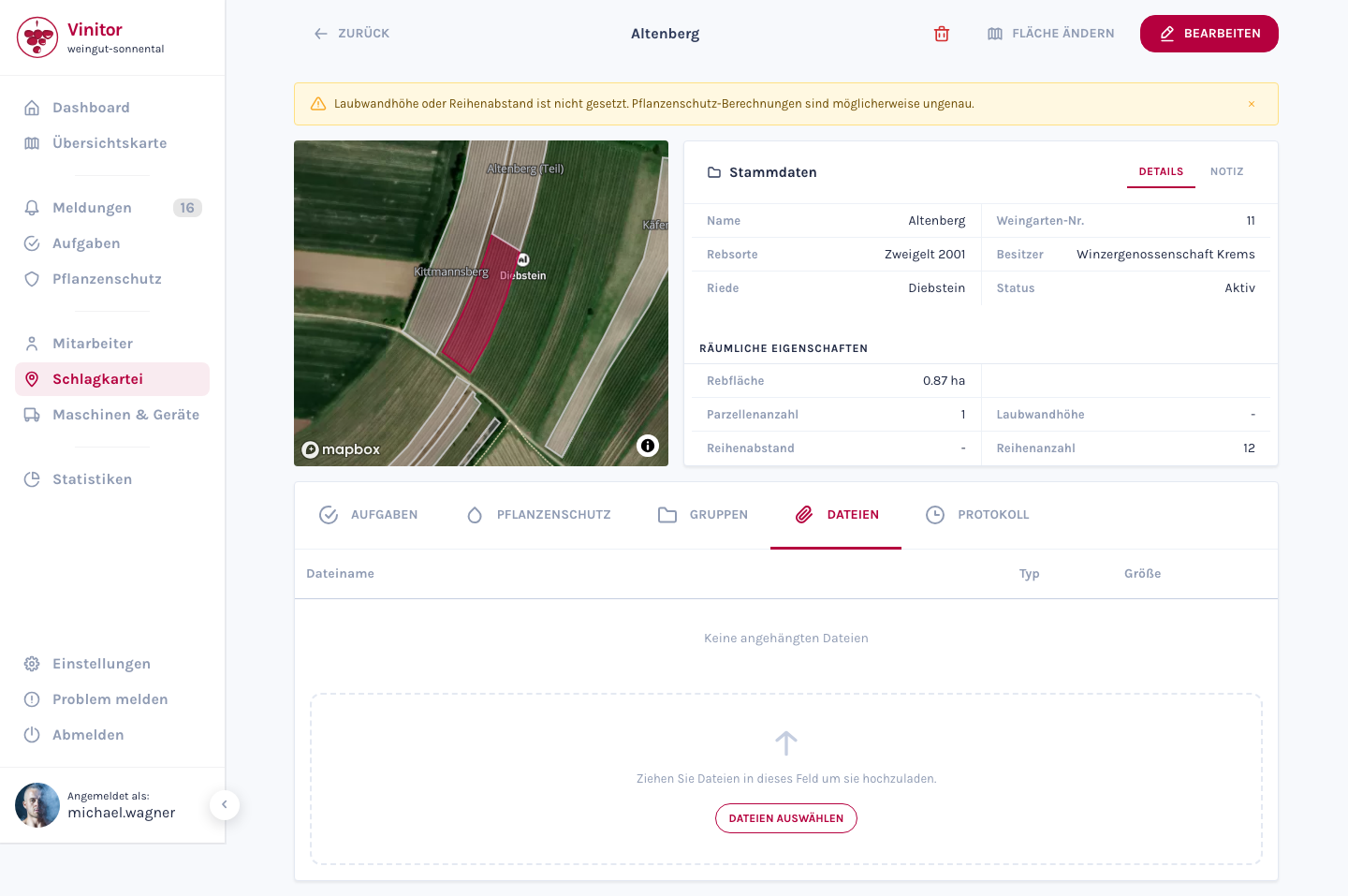
At the same time, the dashboard has received a new page layout. The sidebar is more compact and shows tooltips when it is collapsed. The profile picture appears directly in the navigation, and the new page components enable a more flexible layout for future functions.
Behind the scenes, we have also built in a system for detecting overlapping vineyard areas. When two vineyards overlap geographically, this is detected and can be cleaned up — important for correct area calculations and statistics.
✨ Improvements
- Store photos directly on the vineyard — from the app or in the dashboard
- New page layout with a compact sidebar and tooltips
- Profile picture visible in the navigation
- Automatic detection and cleanup of overlapping vineyard areas
- Clarity analytics for better usage analysis